Par
Justin Wong
—
Comment utiliser Zotero avec Jenni AI pour synchroniser votre bibliothèque et citer vos sources

Justin Wong
Responsable du développement
Diplômé d'un baccalauréat en affaires mondiales et arts numériques, avec une mineure en entrepreneuriat
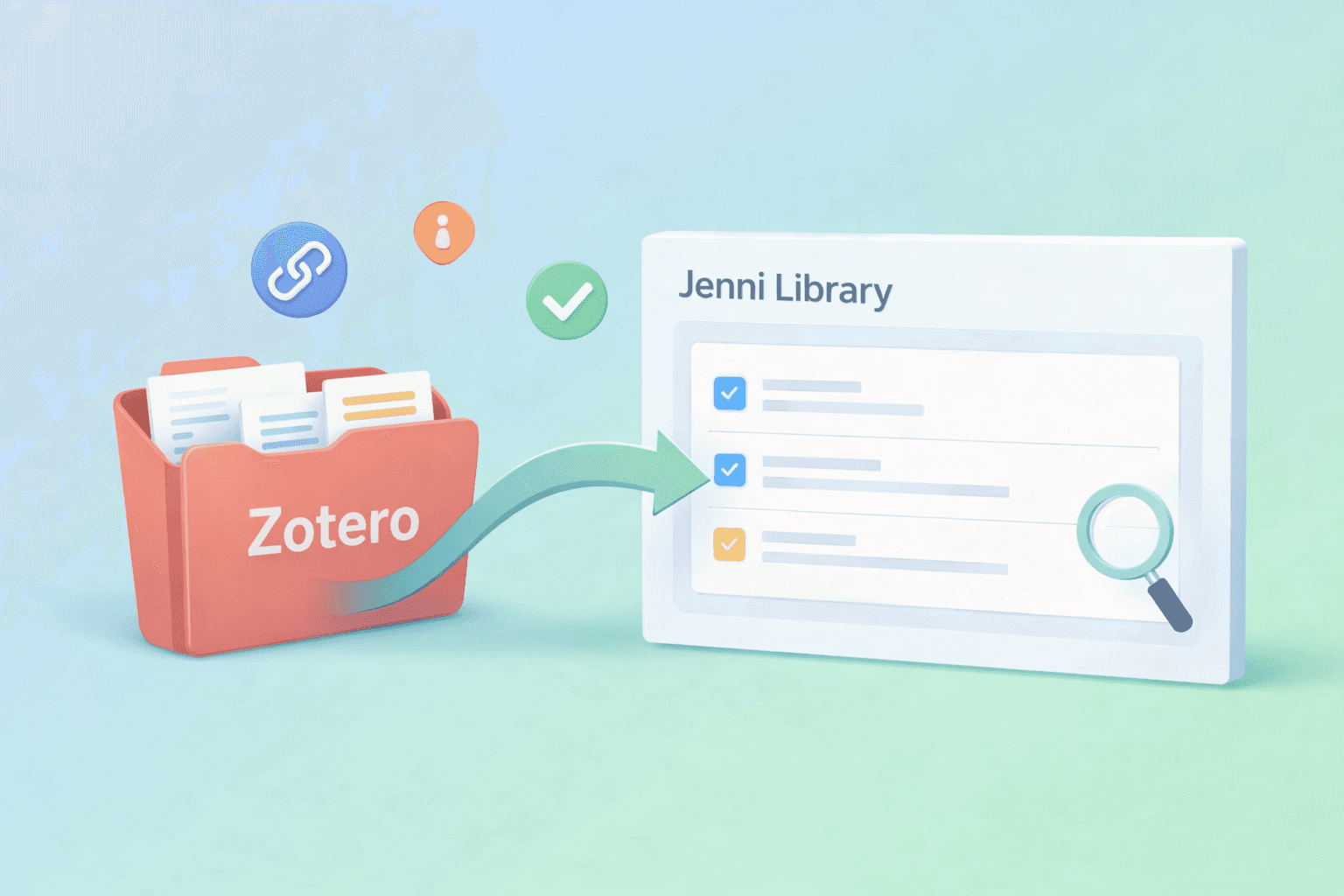
Les utilisateurs de Zotero disposent déjà d’une solide bibliothèque de sources, mais le plus agaçant, c’est quand vos sources sont à un endroit et que votre rédaction se fait ailleurs. Ces allers-retours cassent vite votre rythme, surtout lorsque vous essayez de rester concentré sur le document lui-même.
Dans ce guide, vous allez apprendre à importer une collection Zotero dans Jenni afin que vos sources apparaissent dans votre bibliothèque Jenni et soient prêtes à être citées pendant que vous rédigez.
<CTA title="Synchronisez votre bibliothèque Zotero avec Jenni" description="Importez une collection Zotero dans Jenni pour que vos sources soient prêtes à être citées pendant que vous rédigez." buttonLabel="Synchroniser ma bibliothèque maintenant" link="https://app.jenni.ai/register" />
Ce que l’import Zotero vous apporte dans Jenni
Lorsque vous importez une collection Zotero dans Jenni, vous rassemblez en quelque sorte votre bibliothèque de recherche existante au même endroit que votre rédaction. Au lieu de jongler entre plusieurs onglets ou de fouiller dans des dossiers au milieu du brouillon, vos sources sont déjà dans Jenni, prêtes dès que vous en avez besoin.
Importez une collection Zotero dans Jenni afin qu’elle apparaisse dans votre bibliothèque Jenni en tant que sources
Gardez ces sources accessibles dans Jenni pendant que vous rédigez, pour que les citer soit plus fluide
Réduisez le changement d’onglet et gardez vos références mieux organisées à mesure que votre brouillon s’étoffe
Petite préparation avant la synchronisation
Avant de lancer l’import, un petit contrôle rapide peut vous éviter de téléverser le mauvais dossier ou de charger une bibliothèque trop encombrée dont vous n’avez pas encore besoin.
Identifiez la première collection Zotero que vous souhaitez importer
Nettoyage rapide facultatif : supprimez les doublons, corrigez les titres brouillons et retirez les sources non pertinentes
Assurez-vous de pouvoir vous connecter au bon compte Zotero, celui que vous utilisez réellement pour cette collection
<ProTip title="🗂️ Petite note :" description="Commencez par une seule collection Zotero. Votre bibliothèque Jenni restera ainsi plus propre et plus facile à parcourir." />
Connectez Zotero à Jenni en quelques minutes
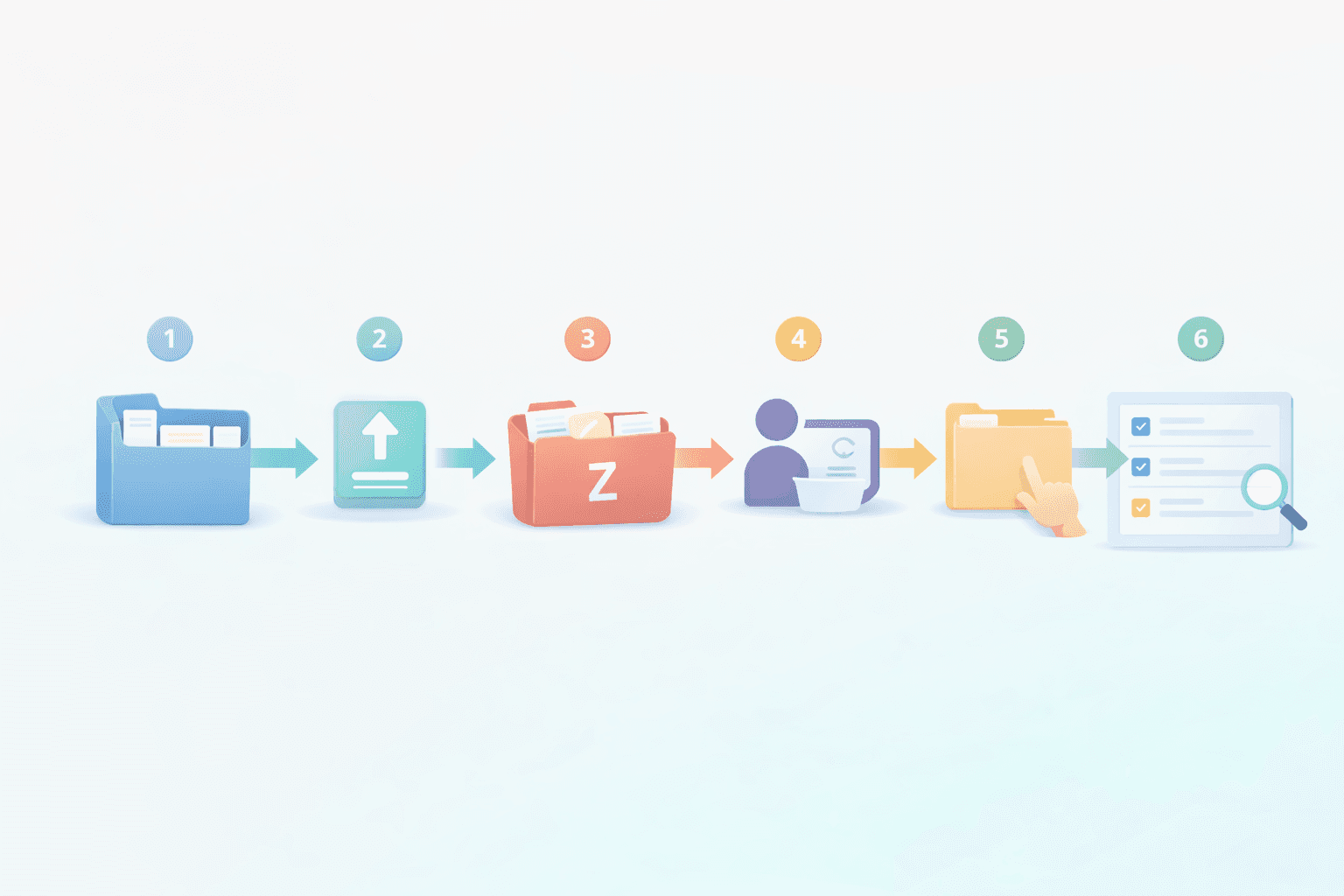
Ouvrez Bibliothèque dans Jenni.
Cliquez sur la flèche de téléversement.
Sélectionnez Zotero.
Connectez-vous à votre compte Zotero.
Choisissez votre dossier de collection.
Importez, puis vérifiez que les sources apparaissent dans votre bibliothèque Jenni.
<ProTip title="✅ À surveiller :" description="Importez la collection liée à votre projet actuel pour commencer à citer vos sources encore plus vite." />
Points de confusion fréquents et correctifs rapides
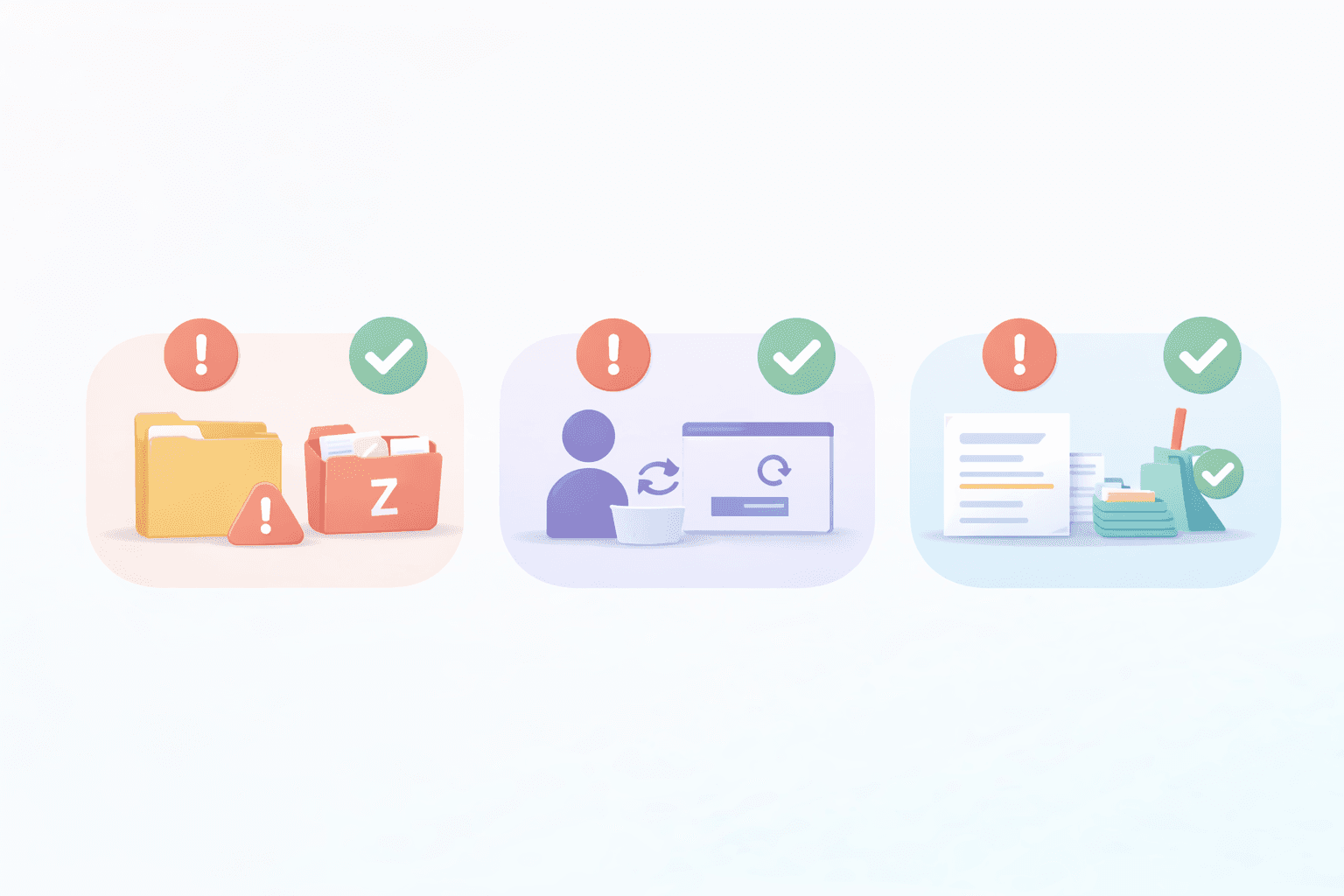
Mauvaise collection sélectionnée → revenez en arrière, choisissez le bon dossier, puis importez à nouveau
Connexion au mauvais compte Zotero → déconnectez-vous, puis recommencez avec le compte qui possède la collection
La bibliothèque semble désordonnée après l’import → repartez d’abord avec une seule collection ciblée, puis ajoutez-en d’autres plus tard
Si vous souhaitez découvrir d’autres façons d’ajouter des sources, consultez Comment ajouter des sources à la bibliothèque Jenni AI
Zotero ou Mendeley : conseils rapides
Choisissez Zotero si vos collections et vos tags y sont déjà en place. Choisissez Mendeley si c’est là que votre flux de travail vit déjà. Dans tous les cas, importez la bibliothèque que vous utilisez réellement au quotidien afin que vos sources soient prêtes dans Jenni. Pour une vue d’ensemble du soutien offert par Jenni à ces deux outils, consultez Intégration de Zotero et Mendeley pour les chercheurs.
Pour le guide pas à pas sur Mendeley, consultez Comment utiliser Mendeley avec Jenni AI pour importer votre bibliothèque et citer vos sources
Un flux de travail simple pour citer une fois vos sources dans Jenni
Une fois votre collection Zotero importée, vos sources sont déjà disponibles dans votre bibliothèque Jenni, ce qui rend les citations bien moins accessoires et beaucoup plus naturelles dans le flux de rédaction.
Commencez votre brouillon dans Jenni.
Ajoutez au fil de la rédaction les sources que vous avez déjà importées depuis votre bibliothèque.
Gardez des références cohérentes pendant vos révisions, afin de ne pas tout revérifier à la fin.
Si vous travaillez sur un projet très axé sur la revue bibliographique, cette configuration de bibliothèque s’associe très bien avec Comment organiser votre bibliothèque de recherche pour une revue systématique
Intégrez vos sources Zotero à votre flux de rédaction
Une fois que vous avez importé une collection Zotero dans Jenni, vos sources sont déjà en place pendant que vous rédigez, ce qui rend les références beaucoup plus fluides et vous évite de passer votre temps à jongler entre les outils.
<CTA title="Intégrez vos sources Zotero à votre brouillon" description="Importez une collection Zotero ciblée dans Jenni, puis gardez vos références à portée de main pendant que vous rédigez et révisez." buttonLabel="Préparer ma bibliothèque" link="https://app.jenni.ai/register" />
Commencez petit avec une seule collection ciblée, idéalement celle liée à votre document actuel. Une fois qu’elle vous semble bien organisée dans votre bibliothèque Jenni, vous pourrez toujours importer d’autres collections plus tard.