Par
Nathan Auyeung
—
Comment organiser votre bibliothèque de recherche pour une revue systématique

Nathan Auyeung
Expert-comptable senior chez EY
Diplômé avec une Licence en Comptabilité, suivi d'un Diplôme de Postgraduate en Comptabilité
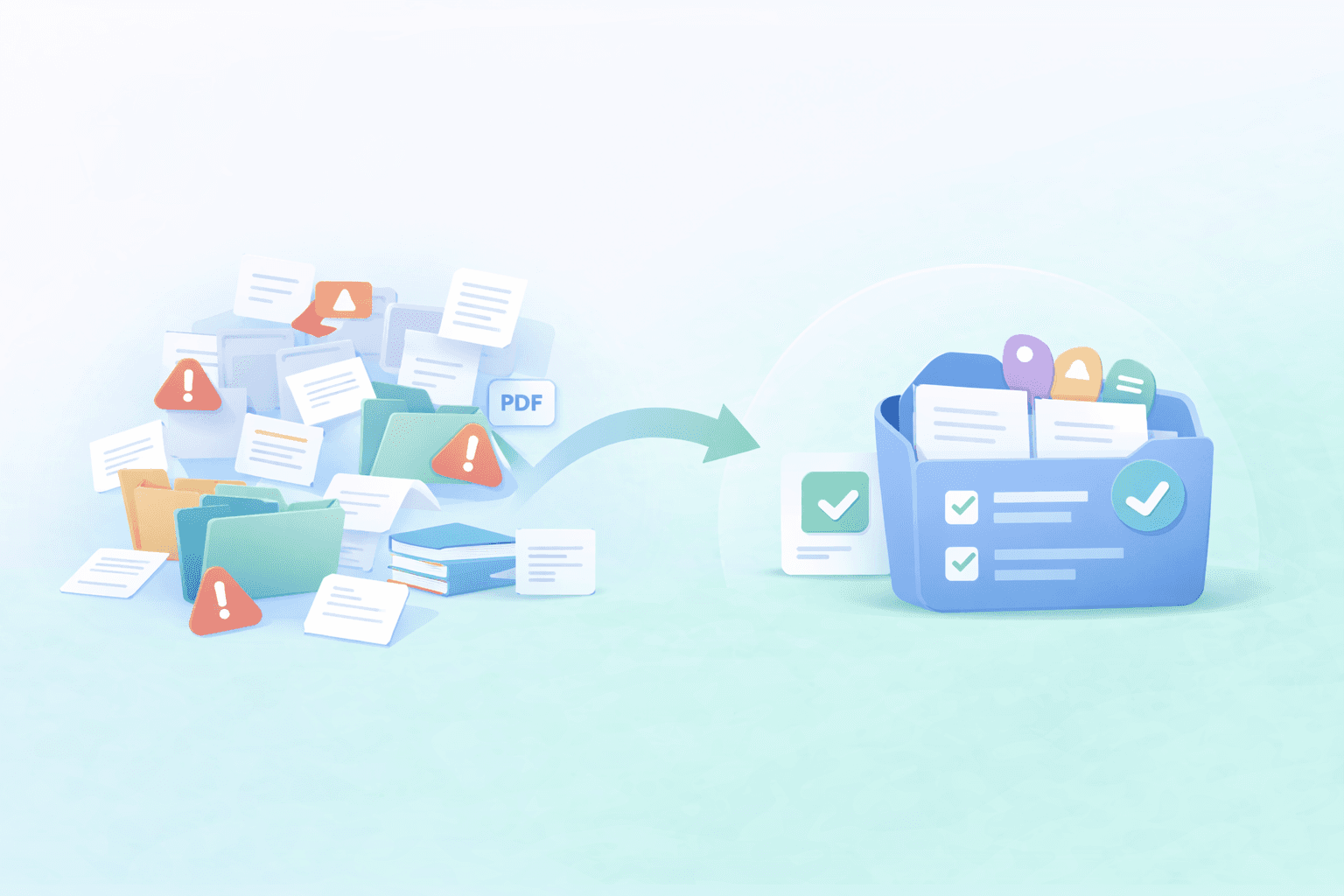
Les revues systématiques transforment rapidement une bibliothèque de références classique en un véritable chaos. Vous importez des articles depuis de multiples bases de données, vous vous retrouvez avec des doublons partout, vous jonglez avec les décisions de sélection, et d'une manière ou d'une autre, la version dont vous avez besoin est toujours celle impossible à retrouver au moment de rédiger.
Dans ce guide, vous découvrirez une structure de bibliothèque simple et adaptée à la plupart des revues, quelques habitudes de nettoyage qui vous feront gagner des heures par la suite, et comment importer une collection ciblée dans Jenni — pour un aperçu des options d'importation, consultez Intégration de Zotero et Mendeley pour les chercheurs — Jenni AI — afin que vos sources restent faciles à trouver et à citer pendant votre rédaction.
<CTA title="Organisez vos sources de revue dans Jenni" description="Importez une collection ciblée pour que vos sources de revue systématique restent faciles à trouver et à citer pendant que vous rédigez." buttonLabel="Synchroniser ma bibliothèque" link="https://app.jenni.ai/register" />
Pourquoi les revues systématiques encombrent-elles les bibliothèques ?
Les revues systématiques sont un exercice bien particulier. Vous ne faites pas que sauvegarder des articles, vous suivez tout un parcours de décision. Si vous souhaitez disposer d'une base claire pour documenter ce processus, les lignes directrices de présentation des revues systématiques comme PRISMA vous aident à maintenir la cohérence de la sélection et du rapport.
Les doublons s'accumulent à cause des bases de données multiples
Dans le cadre d'une revue systématique, vous récupérez la même étude à différents endroits. Les doublons s'immiscent donc facilement, même si vous pensez faire attention.
Le même article apparaît avec des métadonnées légèrement différentes (casse du titre, formatage de l'auteur, abréviations des revues)
Vous importez plusieurs exports au fil du temps, et les anciennes versions ne sont jamais nettoyées
Les PDF sont enregistrés séparément des notices bibliographiques, ce qui génère des entrées en double qui semblent sans rapport
Les décisions de sélection se retrouvent déconnectées de la source
Vous effectuez la sélection à un endroit, stockez les citations à un autre et suivez les décisions dans un tableur ailleurs. Au bout d'une semaine, il devient difficile de se rappeler pourquoi un article a été exclu, ou si vous l'avez déjà consulté.
Le chaos des PDF nuit à la fiabilité de vos propres citations
Checklist rapide pour repérer tôt les problèmes habituels :
✅ Des PDF enregistrés avec des noms de fichiers aléatoires plutôt qu'avec le titre de l'étude ou le premier auteur
✅ Plusieurs versions du même article (prépublication vs version publiée) mélangées
✅ Texte intégral manquant, ce qui vous oblige à rouvrir sans cesse le même résumé
✅ Des notes stockées en dehors de la notice de référence, faisant ainsi perdre tout contexte
Une structure de bibliothèque simple qui convient à la plupart des revues
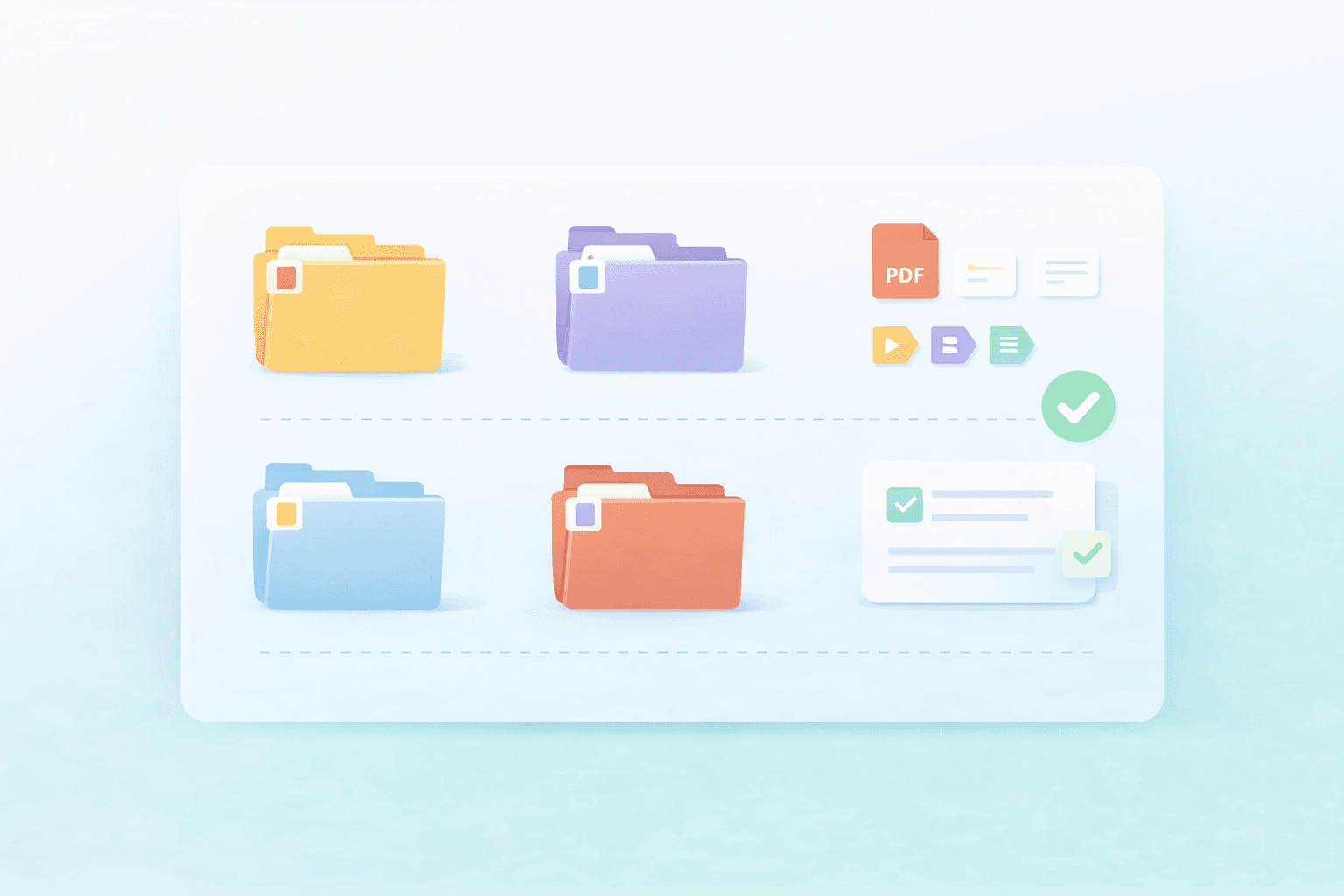
Des collections qui correspondent aux étapes de votre revue
Voici une structure simple que vous pouvez copier et adapter selon votre revue :
À trier (To screen)
Inclus (Included)
Exclus (Excluded)
Contexte (Background)
Méthodologie et rapports (Methods and reporting)
Un système d'étiquetage qui reste cohérent
Les étiquettes (tags) sont indispensables pour garder le contrôle lorsque la bibliothèque s'agrandit. Restez simple et adoptez la même logique dès le départ.
Population, intervention, résultat (PICO)
Type d'étude
Statut de sélection
Texte intégral requis
Évaluation de la qualité
Règles de nommage pour les PDF et les notes
Gardez un nommage cohérent pour savoir exactement ce que vous ouvrez.
Utilisez un format unique pour les noms de fichiers (nom de l'auteur, année, titre court)
Associez vos notes à la même logique de nommage que le PDF
Si vous enregistrez plusieurs versions, étiquetez-les clairement (ex: prépublication vs publié)
<ProTip title="🧠 Note rapide :" description="Si vous voulez la configuration la plus simple, commencez avec seulement deux collections : À trier et Inclus. Vous pourrez l'étendre plus tard une fois votre flux de travail bien établi." />
La routine de nettoyage qui fait gagner des heures par la suite
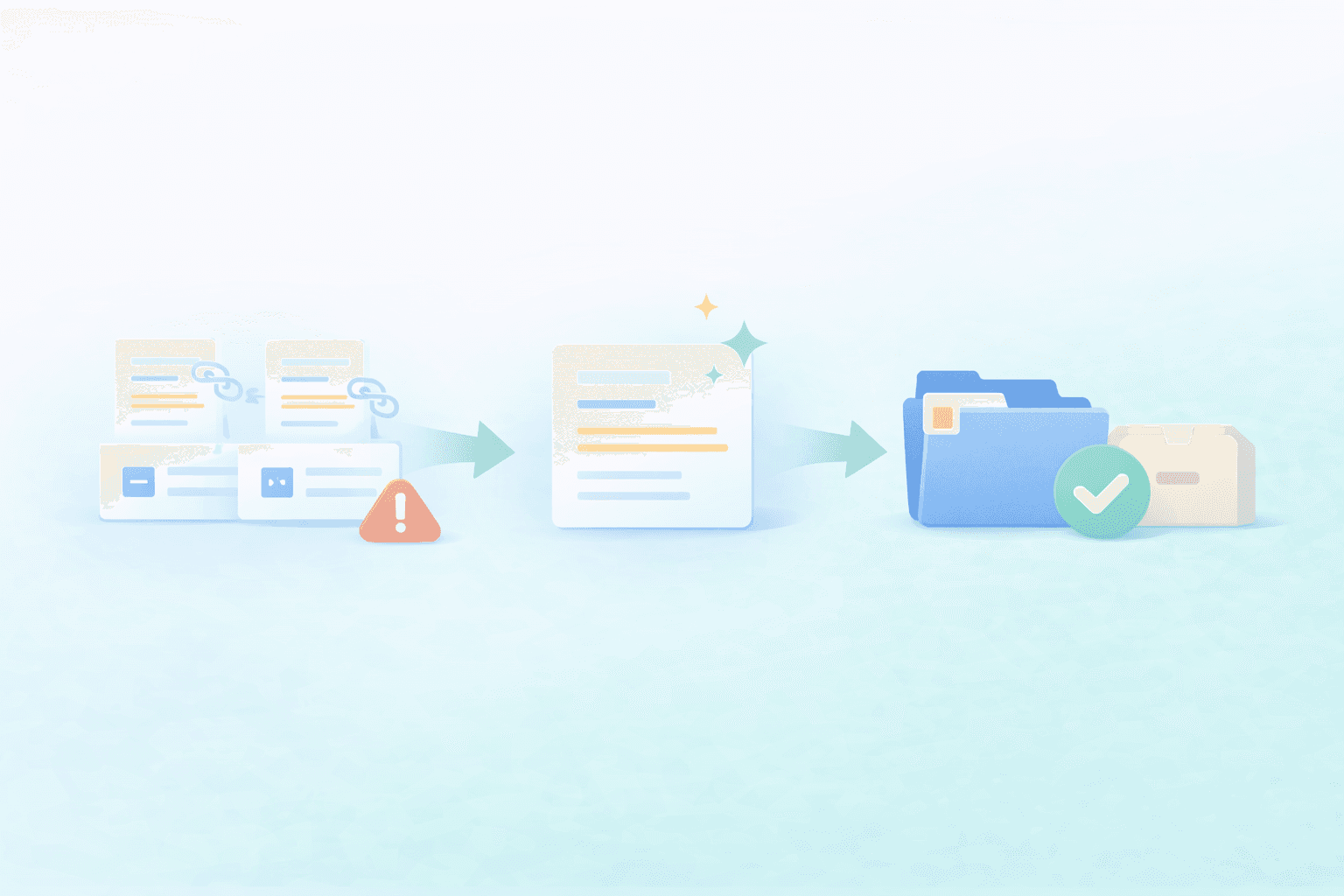
Supprimer les doublons avant l'importation
Un tri rapide des doublons en vaut la peine, car ils perturbent la sélection et vous font douter de ce que vous avez déjà inclus.
✅ Repérez les titres de doublons évidents
✅ Vérifiez si le même DOI apparaît deux fois
✅ Fusionnez les notices lorsque l'une d'elles contient de meilleures métadonnées
✅ Conservez la version PDF la plus complète et archivez le reste
✅ Effectuez une dernière vérification visuelle sur votre collection d’articles inclus
Restreindre votre bibliothèque à la portée de votre revue
N'importez pas l'intégralité de vos recherches accumulées au fil des ans simplement parce qu'elles existent. Une revue systématique fonctionne bien mieux lorsque votre bibliothèque se limite aux sujets sur lesquels vous travaillez et rédigez actuellement.
N'importez que ce que vous triez ou rédigez activement
Conservez un dossier d'archives séparé de la collection principale de votre revue
Conserver une source unique de vérité
Une seule collection de revue bien entretenue vaut mieux que cinq à moitié mises à jour. Lorsque vos décisions de sélection, vos PDF et vos notes renvoient tous au même endroit, la phase de rédaction devient beaucoup plus fluide.
<ProTip title="🧹 Conseil de nettoyage :" description="N'importez que les sources que vous triez ou utilisez activement pour rédiger. Les petites collections sont plus faciles à parcourir et plus simples à citer." />
Si vous recherchez d'autres moyens d'ajouter des sources à Jenni en dehors de la synchronisation de bibliothèque, consultez Comment ajouter des sources à la bibliothèque Jenni AI : Zotero, Mendeley, BibTeX, RIS, DOI, PDF
Importez votre collection de revue dans Jenni (rapidement)
Une fois votre collection bien nettoyée, importez-la dans Jenni pour que vos sources soient prêtes à l'emploi pendant que vous écrivez. Vous pouvez l'importer grâce à l'intégration de Zotero avec Jenni AI ou l'intégration de Mendeley avec Jenni AI, selon l'endroit où se trouve actuellement votre bibliothèque.
Ouvrez la Bibliothèque (Library) dans Jenni.
Cliquez sur la flèche d'importation.
Choisissez Zotero ou Mendeley.
Connectez-vous à votre compte.
Sélectionnez la collection de votre revue.
Importez et vérifiez que vos sources apparaissent bien dans votre bibliothèque Jenni.
<ProTip title="📁 Attention :" description="Importez en priorité la collection liée à votre revue actuelle. Vous pourrez toujours ajouter d'autres dossiers plus tard une fois que tout sera bien ordonné." />
Gardez la bibliothèque de votre revue systématique propre dès le premier jour
Une structure simple, une routine de nettoyage rapide et un import ciblé dans Jenni font toute la différence pour les revues systématiques. Lorsque vos sources sont organisées avant même de commencer à rédiger, il devient bien plus facile de trouver ce dont vous avez besoin, de rester cohérent et d'éviter le chaos des citations par la suite.
<CTA title="Gardez les sources de votre revue propres et prêtes" description="Importez une collection de revue ciblée dans Jenni afin que vos sources restent parfaitement organisées pendant que vous rédigez et révisez." buttonLabel="Importer mes sources" link="https://app.jenni.ai/register" />
Commencez d'abord par une seule collection de projet, celle liée à votre revue actuelle. Une fois celle-ci propre et stable, vous pourrez étendre la structure, ajouter d'autres collections et continuer à vous développer sans que votre bibliothèque ne redevienne un désordre.