By
Justin Wong
—
What Is Document Collaboration in Jenni AI, and Why Does It Matter for Research Writing?

Justin Wong
Head of Growth
Graduated with a Bachelor's in Global Business & Digital Arts, Minor in Entrepreneurship
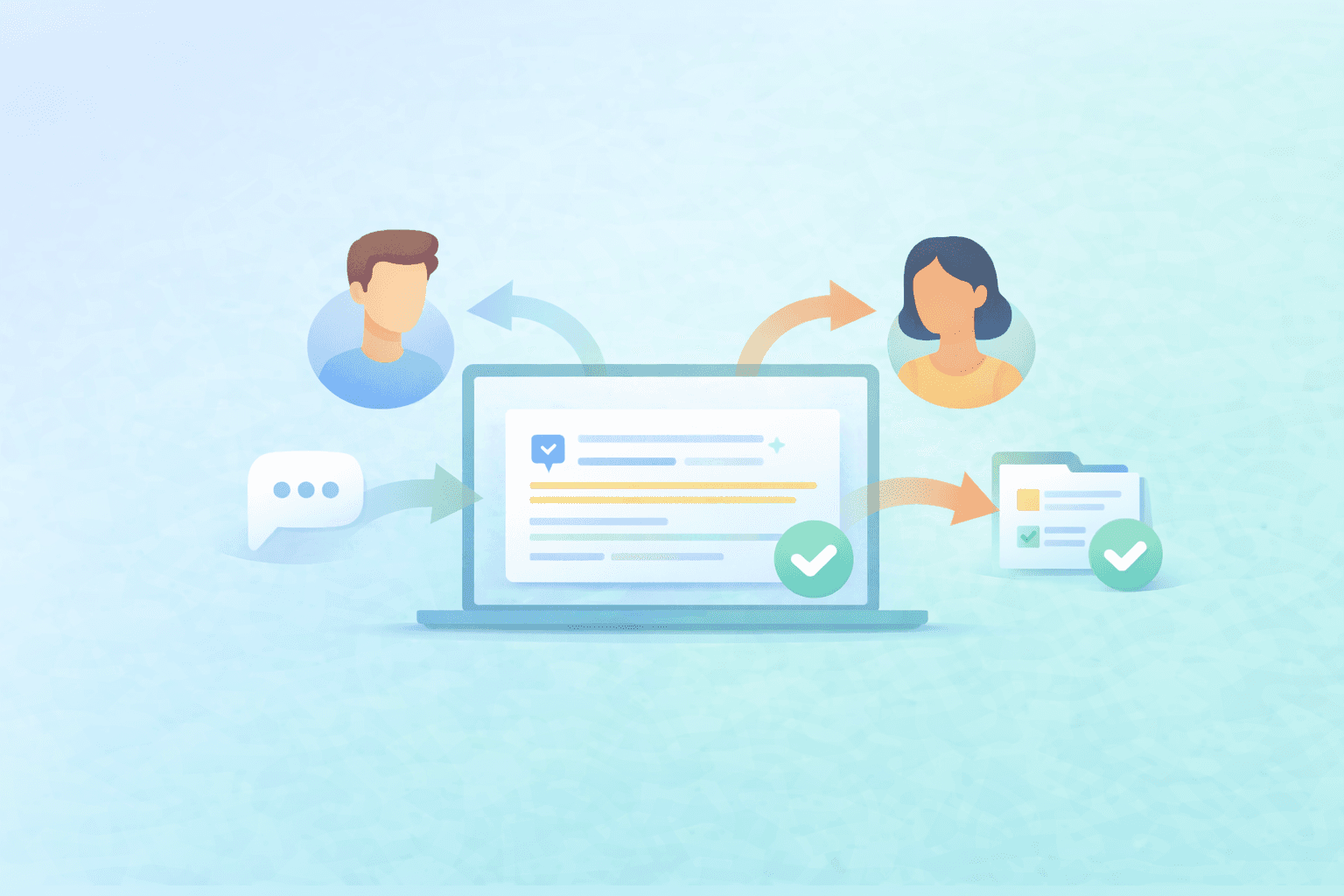
Co-authoring research can get messy fast. It is not only about writing in the same document. It is also about staying aligned on claims, citations, and what each source actually supports while drafts move between people. If your team manages references in Zotero or Mendeley, Jenni's Zotero and Mendeley integration for researchers can help keep shared libraries and citations consistent.
In this guide, we will break down what document collaboration means in research writing, why it matters more than regular writing collaboration, and when it makes sense to draft together versus draft solo first. We will also cover the simple Jenni flow to get started by clicking Share, copying the link, and working in one shared draft with a co-collaborator in real time.
Quick Demo: See how Document Collaboration in Jenni helps co-authors review in one shared draft.
What is Document Collaboration in Research Writing?
Document collaboration means working in one shared draft with other people instead of sending multiple versions back and forth.
At a basic level, it is about editing, reviewing, and revising the same document together so feedback stays in one place.
In research writing, though, collaboration is not only about shared editing.
It is also about shared evidence decisions.
Co-authors are not just checking if a sentence sounds clear. They are also checking if the claim is accurate, if the wording is too strong, and if the citation actually supports what the draft is saying.
Why Collaboration Gets Messy in Research Writing Faster than Normal Writing
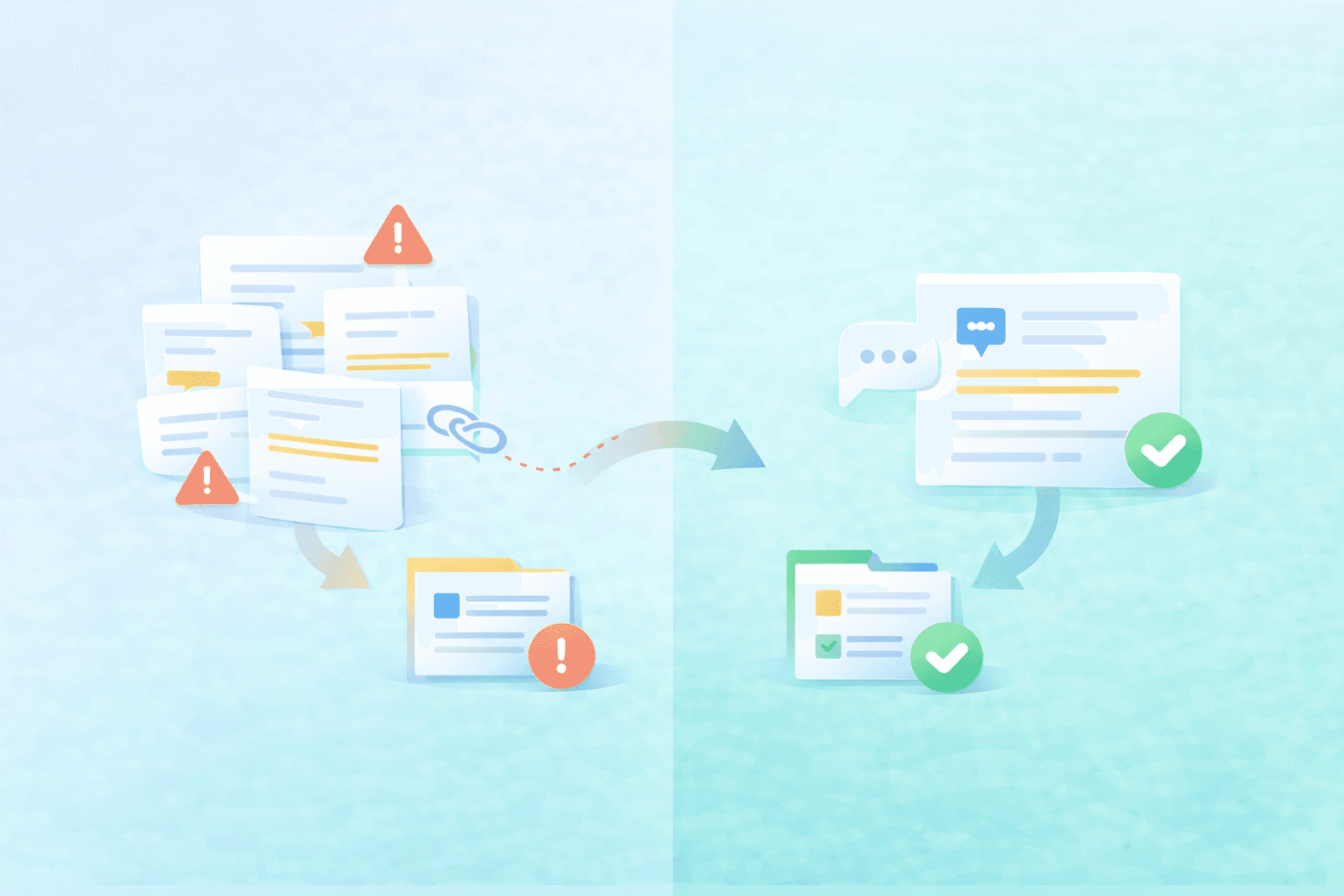
Collaboration can get messy in any kind of writing.
But in research writing, the mess builds faster because teams are not only editing words. They are also checking claims, citations, and source support at the same time.
That means small review issues can turn into bigger delays.
Multiple drafts create version confusion
When drafts move around, teams lose momentum fast.
Common issues look like this:
Someone reviews an older version
Two people edit the same section in different copies
Feedback gets left on the wrong file
Merging revisions creates new inconsistencies
In research writing, wording and evidence move together
A sentence can sound clear and still be wrong for the source.
For example, a co-author sees a strong claim and checks the citation. The source is related, but it does not fully support the exact wording in the draft. The team now has to decide whether to soften the claim, add a stronger source, or rewrite the sentence.
That is a research decision, not just an editing fix.
Review slows down when comments and sources live in different places
Review gets slower when the draft is in one place, comments are in another, and source context is somewhere else.
What usually happens:
A claim gets flagged
Someone asks what source supports it
A teammate says it is in their library
Review pauses while the team rebuilds context
This is exactly where the disconnect between your writing tool and your research library starts to hurt the workflow.
<ProTip title="💡 Pro Tip:" description="Before a review pass starts, agree on one focus first like claims, citations, clarity, or structure so feedback stays clean and does not create extra rework" />
What Good Document Collaboration Looks Like in Research Writing
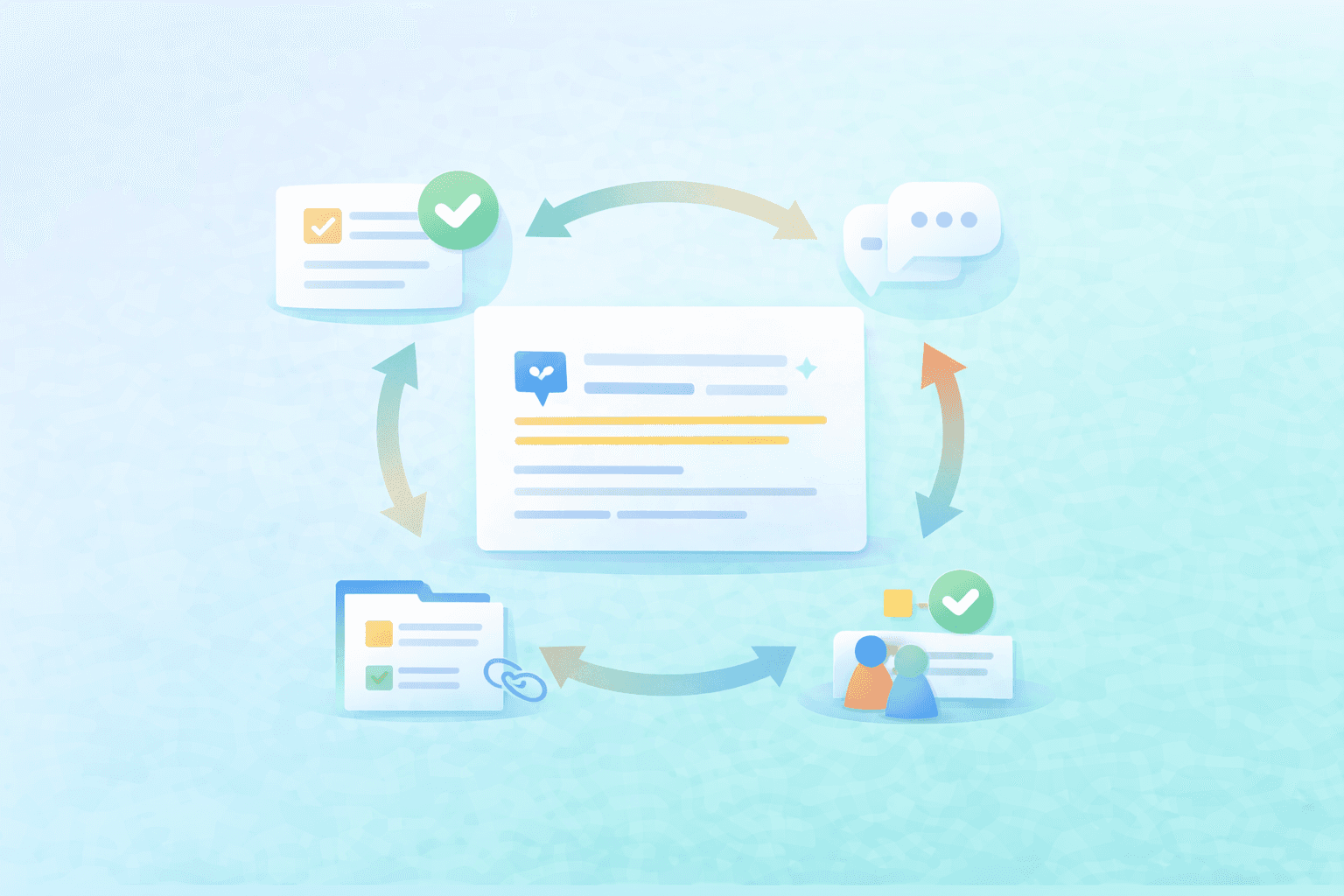
Good document collaboration is not just multiple people typing in the same file.
It is a workflow where the team can move faster without losing alignment on claims, citations, and revision decisions.
In practice, it usually looks like this:
✅ Faster alignment on claims and evidence before wording gets polished too early
✅ Fewer duplicate edits because everyone is working from the same draft context
✅ Cleaner handoffs between co-authors with clearer review responsibilities
✅ Easier review before export or submission because issues are resolved in one place
✅ Less time rebuilding context when someone flags a claim or citation
That is the real value to aim for. Once your team is working from one shared draft with a clear review flow, collaboration feels less reactive and more manageable. If you want a practical process for that, the next step is a step-by-step workflow for reviewing drafts with co-authors.
How to Start Document Collaboration in Jenni
If your draft is already in Jenni, starting collaboration is quick.
Open your document in Jenni
Click Share in the upper right
Copy the document link
Send the link to your co-collaborator
Work together in the same document in real time
If needed, tell your collaborator what to review first, like claims, citations, or clarity, so the first pass stays focused.
When to Collaborate in a Shared Draft vs Draft Solo First
Not every draft needs collaboration right away.
Sometimes the fastest way to move forward is to shape the draft on your own first, then bring in co-authors when the document is ready for more useful feedback. This is especially common when co-authors are building the literature review—Jenni’s AI literature review & RRL generator can help you synthesize sources into a solid starting draft before the team revises together.
Collaborate in a Shared Draft When... | Draft Solo First When... |
Co-authors are actively editing together | You are still shaping the argument |
You need alignment on claims and citations | The draft is too rough for useful feedback |
You are preparing a review-ready version | You need to clean citation placeholders first |
You are resolving evidence flags before sending or exporting | You want to avoid early-stage noise |
A good rule of thumb is to collaborate once the draft has enough structure for people to review the right thing. That way, feedback is clearer, and you spend less time untangling edits.
<ProTip title="🪜 Timing Tip:" description="Draft solo until the argument is stable, then invite coauthors for stronger feedback" />
Build a Cleaner Co-Author Workflow for Research Writing
Document collaboration in research writing is more than editing the same file together. The real value is staying aligned on claims, citations, and review decisions while the draft is still moving. Jenni Document Collaboration helps teams do that in one shared draft.
<CTA title="Keep Coauthor Reviews in One Shared Draft" description="Work in one place, reduce draft confusion, and keep claim and citation decisions aligned" buttonLabel="Collaborate in Jenni" link="https://app.jenni.ai/register" />
A cleaner collaboration process usually starts with one simple shift: keep the team in the same draft, then make review passes more focused. That makes feedback easier to act on and helps the draft move forward with less back and forth.