Footnotes

Marc
·
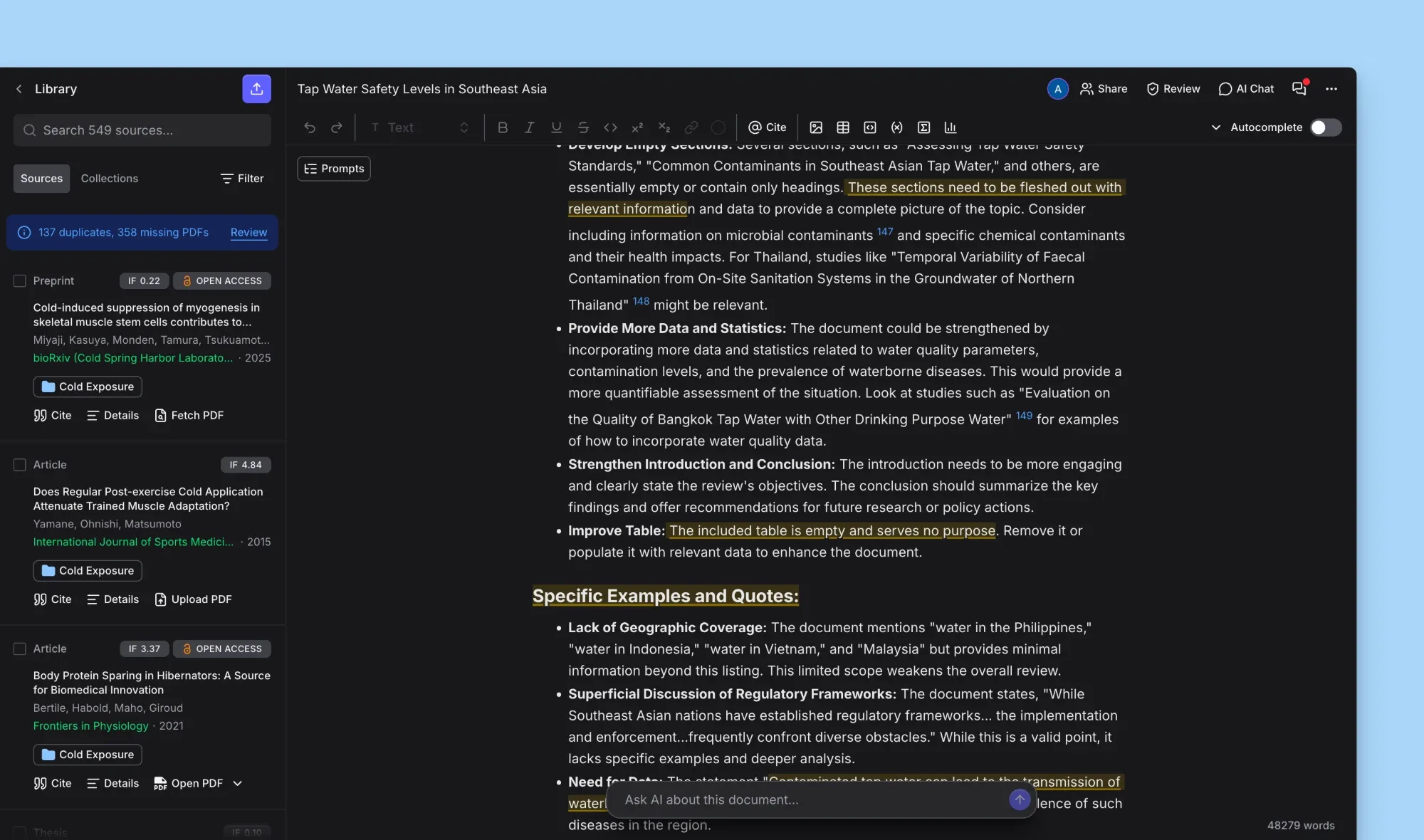
Note-based styles like Chicago Notes used to show in-text citations where footnotes belong, now you can add footnotes anywhere in your document and citations in note styles become numbered footnotes automatically.
Added
Ability to add and edit footnotes in your document, numbered automatically as you write
Note-based citation styles such as Chicago 17 Notes & Bibliography now show citations as numbered footnotes, including page and other locator details
Footnotes are kept when importing and exporting
.docx, and when exporting to LaTeXAbility to ask Jenni inside a comment, mention
@Jennito get a reply and suggested edits on the same thread, then accept the edits and resolve the thread in one stepVersion history has a new full-screen timeline, with a checkpoint saved before each AI Edit, AI Chat
Add to documentand ReviewAccept all, and aChanges since this versionswitch to see everything that changed sinceA chat input now sits at the bottom of the editor on desktop when the AI Chat panel is closed, sending a message opens the panel with your question already in flight
Pasting a reference list into a document now offers citation matching, the same as importing a
.docxCitations imported from a
.docxnow come with a quote from the paper when Jenni has its full text, so you can open the quote and check it with Claim ConfidencePlus plan: the Reviews panel now shows how many reviews you have left once you have used 7 of your 10 for the month
AI Edit now remembers your Web Search and Library Search choice across edits
Web extension is now available in more languages, including German, Japanese, Chinese and Korean, with a language dropdown in its settings
Web extension now opens a welcome page on install and confirms in the popup as soon as you are signed in
Ability to report a web extension issue with a category and a comment, including from error and "no reference detected" states
Web extension now attaches the official PDF when saving WHO publications
Changed
AI Chat clarifying questions now appear as a card with one option per row, or you can type your own answer below
AI Chat, Workflows and Reviews now show their thinking as one live line instead of a growing list of steps
A sent AI Chat message now appears instantly
Add to documentin AI Chat now scrolls the inserted text into viewSources with full text now show an outlined
Open PDFbutton on their quotesPeer Review comments are now added by the server rather than your browser, so they no longer depend on the document tab staying open
Dismissing an AI Chat suggestion prompt now keeps that suggestion hidden for 14 days
On mobile the AI Chat drawer is taller and its input rests at a single line, and the notifications inbox, profile menu, Review suggestions and version history now open as drawers sized for touch
Web extension has a redesigned view for pages that list several references, and now says clearly when a page is not a source
Web extension now explains why a save or detection failed and recovers when your session has expired
The Citation Matching panel is easier to read, with clearer separation between references
Text sizes, focus rings, tooltips and corner rounding are now consistent across the app and the web extension
Icon-only buttons in AI Chat and the sidebar now have names for screen readers, and the document
⋯menu can be reached by keyboard
Fixed
APA 7 narrative citations joining two authors with "&" instead of "and"
APA 7 formatting journal articles as book chapters
AI-generated APA 7 citations appearing twice or after the full stop
Citations being inserted in the middle of a word
Broken hyperlinks on citations in exported documents
Figure number missing from image captions
Viewer and commenter cursors not showing in shared documents
Chrome crashing when the page is translated by the browser
Free plan Autocomplete allowance not resetting each day
Autocomplete suggestions occasionally including the AI's own reasoning
Undoing a bullet removal leaving the cursor in the wrong place
Newly uploaded PDFs not being readable by AI Chat, with answers drawn from older uploads
Citations not opening their PDF when your library holds more than one copy of the paper
Uploaded PDFs being matched to the wrong paper's details
Pasting an empty clipboard image breaking AI Chat
Comments overlapping each other in the margin
Selection menu reappearing after starting a Peer Review comment
Workflow feedback card returning after being dismissed
PDF viewer flashing back to the old zoom level after a pinch or
Ctrl/Cmd+ scroll zoomPanels briefly flashing after opening on desktop
Saved prompts popover opening in the wrong position
AI Chat messages jumping when the citations panel is collapsed
Declining Google's consent screen during sign-in showing an error
Loading text showing in English when using Jenni in another language
Mobile: AI Edit drawer changing height while thinking, the editor toolbar covering the view when AI Chat opens, and AI Chat not opening from the navigation in Workflows
Web extension: save failures and unresponsive buttons, local PDFs showing "No reference detected", and web pages being saved as Document instead of Webpage
Web extension metadata: malformed DOIs, compound surnames, edited book contributors, missing ISBNs, journal volumes, and details taken from a cited work instead of the paper itself
Various small layout fixes in comments, AI Chat menus, the citation style dialog and the library