By
Justin Wong
—
How to Choose the Right AI Writing Tool That Fits You

Justin Wong
Head of Growth
Graduated with a Bachelor's in Global Business & Digital Arts, Minor in Entrepreneurship
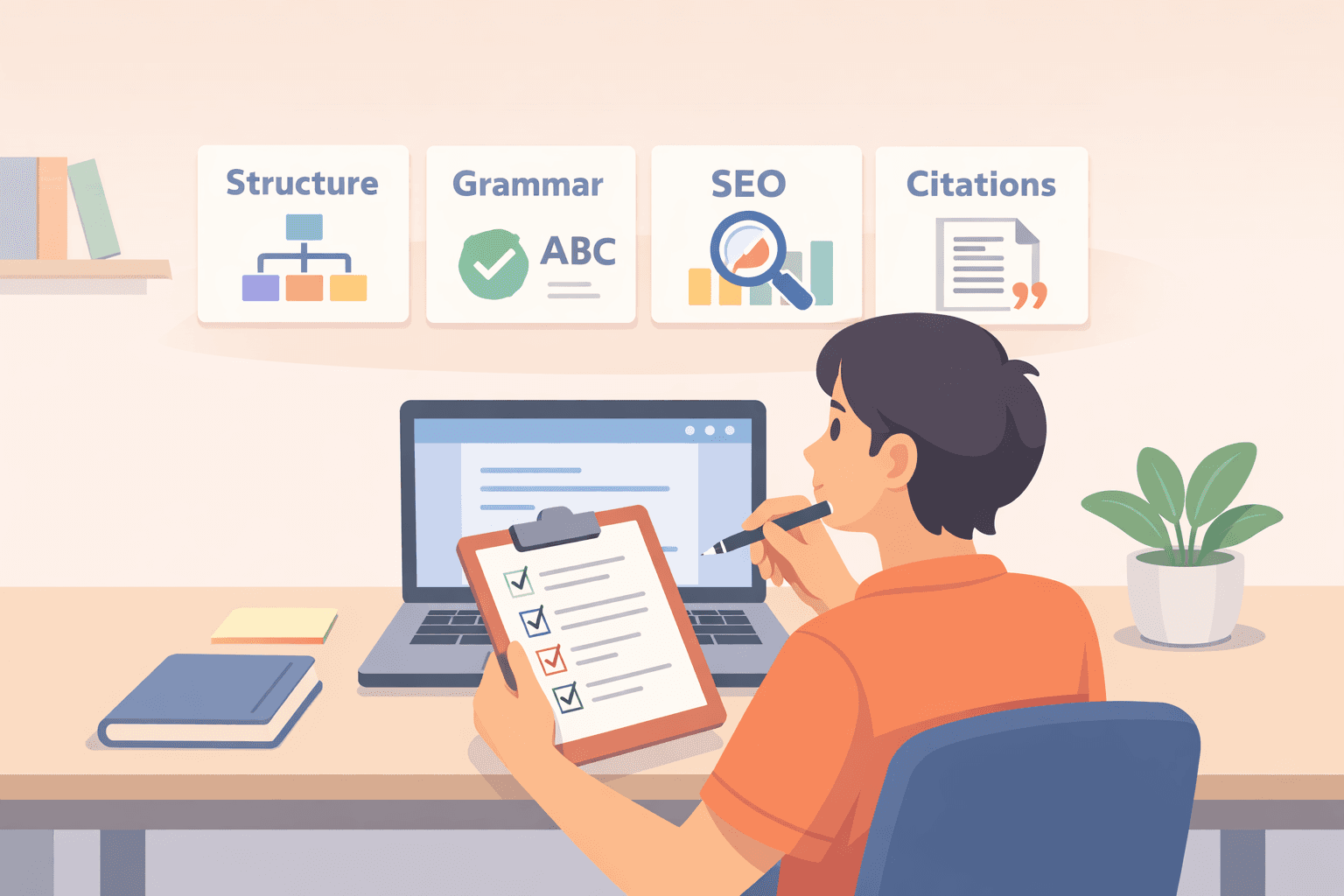
AI writing tools are everywhere now. You probably use one without even thinking about it. They're built into your email, your word processor, your social apps. The one that works for your friend might be useless for you. Some are great for structure but terrible for facts.
<CTA title="Choose the Right AI Tool for Your Writing" description="Clarify your writing needs and learn how an AI assistant can support your academic research skills without taking over your thinking." buttonLabel="Try Jenni Free" link="https://app.jenni.ai/register" />
The promise was to make writing easier. The reality is often more hassle. This guide is about avoiding that hassle. We'll skip the buzzwords and the feature comparisons. Instead, we'll look at what you actually need the tool to do, and how to tell if it can do that without driving you up the wall.
Start by Defining What You Actually Need
Most people pick an AI tool backwards. They look at the software first, not the job it's supposed to do. Stop comparing features for a minute. Look at your own writing instead.
What do you write all the time? Where do you get stuck? Does starting a draft feel impossible, or do you drown in rewrites? Maybe you just need help untangling your notes.
Your biggest headache points to the right tool. If you need to churn out content, a template-heavy platform like Jasper might work.
If your sentences are messy and need polishing, Grammarly's your editor. For rewriting and summarizing, try QuillBot. Get specific. Are you doing blogs, academic papers, or SEO? If essays are your main output, start with an AI essay writer designed for that workflow. Naming your main task will cut half the options from your list right away.
<ProTip title="📝 Note:" description="Before using any AI tool write down the exact part of writing that slows you down most. This makes choosing the right tool much easier." />
Understand the Main Categories of AI Writing Tools
AI writing tools aren't all the same, especially in how AI writing assistants work under the hood. If you're choosing a tool for coursework, this explainer on AI writing assistants and how they work for academic writing can help set realistic expectations. They fall into distinct categories based on what they're built to do.
Content Generators are the idea starters. You give them a prompt, and they give you text, blog drafts, ad copy, social posts. They're built for speed. Tools like Rytr are good for getting a first draft down fast.
The trade-off is you'll almost always need to edit heavily. The output can be generic, factually shaky, or just off-brand. They're useful for beating blank page syndrome, not for finished work.
Writing Assistants & Editors work on text you've already written. They're your proofreaders and style coaches, fixing grammar, tightening sentences, and adjusting tone.
They're a lifeline for students, professionals, or anyone who writes in English as a second language. Think of them less as a co-writer and more as a sharp-eyed editor who polishes your own voice.
SEO-Focused Tools are for one job: making content rank on Google. They analyze keywords, suggest structure, and check if your writing matches what people are searching for.
Tools like Surfer are often paired with a generator. They handle the technical strategy, so you can focus on the writing itself.
Paraphrasing & Rewriting Tools take your existing text and spin it. They can simplify a dense paragraph, rephrase a clunky sentence, or help you avoid repeating the same phrase.
They're handy in academic or research work, but you have to watch them. It's easy for the meaning to drift, or for the new text to accidentally step too close to plagiarism.
<ProTip title="⚖️ Warning:" description="Always review paraphrased text closely to ensure meaning and academic integrity are preserved." />
Evaluate Core Features That Actually Matter

Ignore the giant feature lists. Only a few things actually matter for your daily work.
Output Quality and Accuracy This is everything. A tool that writes smooth, confident nonsense is worse than useless. You have to test it yourself.
Give it a real prompt from your own work, a technical explanation, a product description, a section of a report.
See if it gets the facts right and if the writing makes sense. Some tools are great for snappy social posts but fall apart on anything requiring real knowledge.
Control Over Tone and Style If all the AI's output sounds the same, that cheerful, generic, slightly robotic tone, it's not helping. You need levers to pull.
Can you tell it to sound more formal, more casual, or match a specific brand guide? Without that control, the AI's voice slowly overwrites your own. The goal is to sound like you, just faster.
Plagiarism and Originality These tools stitch together language based on statistical patterns in training data rather than true comprehension, which can increase risk of unintentional plagiarism. Sometimes, they stitch a little too close to the original.
For students or anyone publishing work, this is a serious risk. See if the tool has a built-in plagiarism checker. More importantly, get in the habit of running its output through a separate checker yourself. Never assume it's original.
Citations and Fact-Checking AI is famously bad at this. It will invent book titles, cite papers that don't exist, and present rumors as facts.
If you're writing anything that needs sources, use the AI for structure and drafting only and understand what is a citation manager to handle references correctly.
The moment it mentions a study, a quote, or a statistic, you must verify it yourself. Treat every "fact" it gives you as suspect until you prove it.
<ProTip title="📌 Tip:" description="SEO tools help with structure and relevance but they do not guarantee accuracy or quality writing." />
Compare Pricing With How You Will Actually Use the Tool
Prices run from free to expensive, and a higher price doesn't mean it's better for you.
Tool | Best For | Starting Price | Free Tier |
Jasper | Business-scale content | $39/month | 7-day trial |
Rytr | Quick generation | $9/month | Yes |
Grammarly | Editing and proofreading | $12/month | Yes |
Surfer | SEO optimization | $69/month | No |
QuillBot | Paraphrasing | $6.25/month | Yes |
Look past the monthly fee. Check the fine print. How many words do you get? Are the features you really need locked behind a higher plan? Does it let you work with a team?
A free tier is perfect for a test run. Only pay if the tool consistently saves you hours or makes your work noticeably better. If you're only using it once a week, a premium plan is probably a waste of money.
<ProTip title="💸 Budget Tip:" description="Only upgrade to a paid plan if the tool saves you measurable time or improves your writing quality consistently." />
Assess Ease of Use and Learning Curve
A tool that makes writing harder isn't worth it, no matter how smart it is. Look for a clean interface that doesn't get in your way.
Does it work where you write? A good browser extension or a direct plugin for Google Docs or Word is a huge plus. You shouldn't have to copy and paste everything back and forth.
If you need a manual just to write a simple email, the tool has failed. It shouldn't feel like a programming project. Check recent user reviews.
People will complain about the real headaches: hidden word limits, updates that break features, or surprise price hikes. Those practical annoyances tell you more than any sales page.
<ProTip title="🧠 Remember:" description="Editing tools work best when you already have ideas on the page. Do not expect them to create original arguments for you." />
Test Output Quality in Real Writing Scenarios
Don’t just read about a tool. You have to try it on the kind of writing you actually do. Take it for a real spin. Use it to start a blog post you’ve been putting off.
Feed it one of your old drafts and see how it suggests edits. Give it a confusing paragraph from a report and ask it to simplify.
Then, look at what it gave you. How much time did you just spend fixing its mistakes? Does it sound like something you would say, or does it have that obvious AI cadence?
Watch for small, confident errors, wrong dates, made-up facts, odd word choices. These “hallucinations” are still a problem with every tool. The good ones just make fewer of them.
When AI tools are used in academic writing, writers still remain responsible for proper citation and avoiding plagiarism, even if the text was AI-assisted.
The test isn’t whether the output is perfect. It’s whether the tool saves you more time than it costs you in corrections.
<ProTip title="⚠️ Reminder:" description="Use content generators to break writer block not to publish final drafts without careful review." />
Check Integrations and Workflow Compatibility
A tool that forces you to switch apps constantly will just slow you down. It needs to work where you already are. Check if it plays nicely with your main writing spaces.
Can you use it directly in Google Docs, WordPress, or Notion? Does it have a browser extension so it works anywhere you type online?
If you work with others, see if it supports your team's collaboration platform. For most people writing alone, simple, direct access is the priority. You don't need a complex dashboard.
Power users or teams might look for extras like an API to connect to other software, detailed permission controls, or analytics to track how the tool is being used.
But if you're just trying to write better emails or blog posts, focus on the basic connection. It should feel like a helper, not a separate job.
Consider Data Privacy and Ethical Use
When you're handling sensitive or proprietary information, data privacy is a major concern. Check the specific policies of any tool you use.
Look at how it handles data storage, whether your inputs are used for model training, and who retains ownership of the content you create.
In academic or professional environments, ethical use of AI in education and research is essential to uphold integrity and trust. Make sure to follow any guidelines set by your institution. For a closer look at acceptable practice and disclosure, see ethical AI use in academic writing.
Don't submit AI-generated material in contexts where it's prohibited, and using a reliable citation manager features guide can help you maintain transparency and proper source handling in academic work.
The goal is to use these tools to support your own thinking and research, not to replace your intellectual effort. This responsible approach helps protect both your professional credibility and the integrity of your work.
<ProTip title="🔐 Ethics Tip:" description="Use AI to support your writing process but always remain responsible for the final content you submit." />
Match the Tool to Your Role
No single tool works perfectly for everyone. The right choice depends entirely on what you do and what you need. For students, the most helpful features are usually grammar correction, paraphrasing, and tools that make writing clearer.
Researchers might use AI for drafting assistance, but they have to be meticulous about checking all facts and citations themselves. If you're synthesizing sources, an AI literature review & RRL generator can help you outline themes and keep track of what to verify.
Educators can use these tools to save time on administrative tasks, but they should never rely on them to replace their own subject knowledge or teaching judgment.
In a professional setting, priorities often shift to maintaining consistency, working quickly, and finding tools that integrate smoothly into existing workflows.The best tool isn't a universal one. It's the one that fits your specific situation.
A Simple Decision Checklist
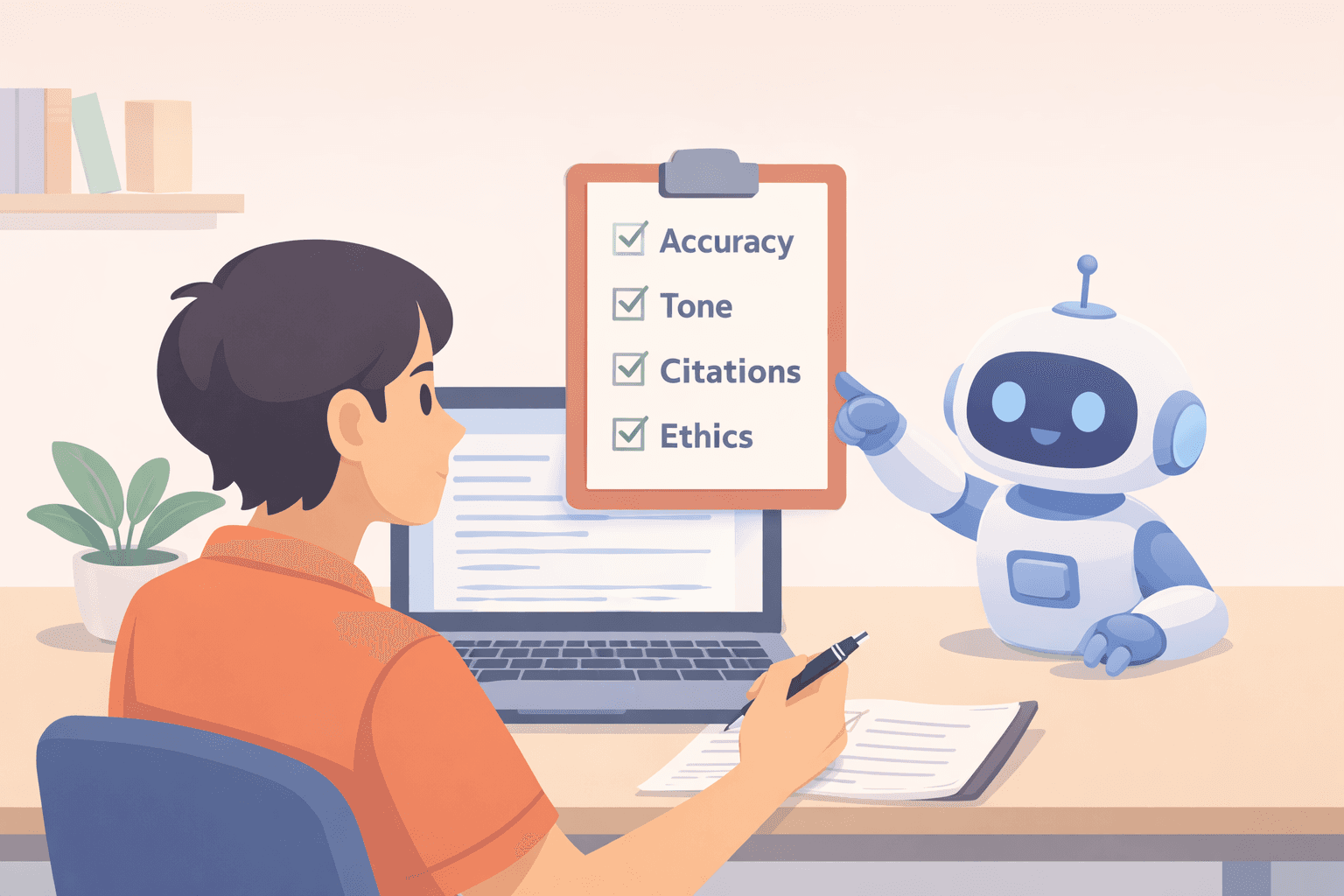
Here's a straightforward checklist to help you decide on a writing tool. Before you commit, ask yourself a few key questions.
Does this tool actually address the core issue you're trying to solve with your writing?
Can you trust what it produces, provided you're willing to review its output carefully?
Does it fit into the way you already work, and is the cost reasonable for you?
Finally, are you satisfied with its policies on data privacy and ethical use?
If you can answer "yes" to all of these, you're probably looking at a solid choice.
Choosing the AI Writing Tool That Actually Works for You
The most effective use of AI writing tools is as a support system, not a shortcut. A good tool should help you write more clearly, work faster, and manage the process more easily. Its purpose isn't to take over your job as the thinker, editor, and person making the final decisions.
<CTA title="Apply What You Learned to Your Own Writing" description="Use Jenni to draft, organize and refine your academic writing while keeping full control over ideas structure and sources." buttonLabel="Try Jenni Free" link="https://app.jenni.ai/register" />
The key is to choose your tools carefully, test them with a critical eye, and never forget that good writing fundamentally relies on human judgment. AI can be a powerful assistant in the process, but the responsibility for the final words always rests with you.