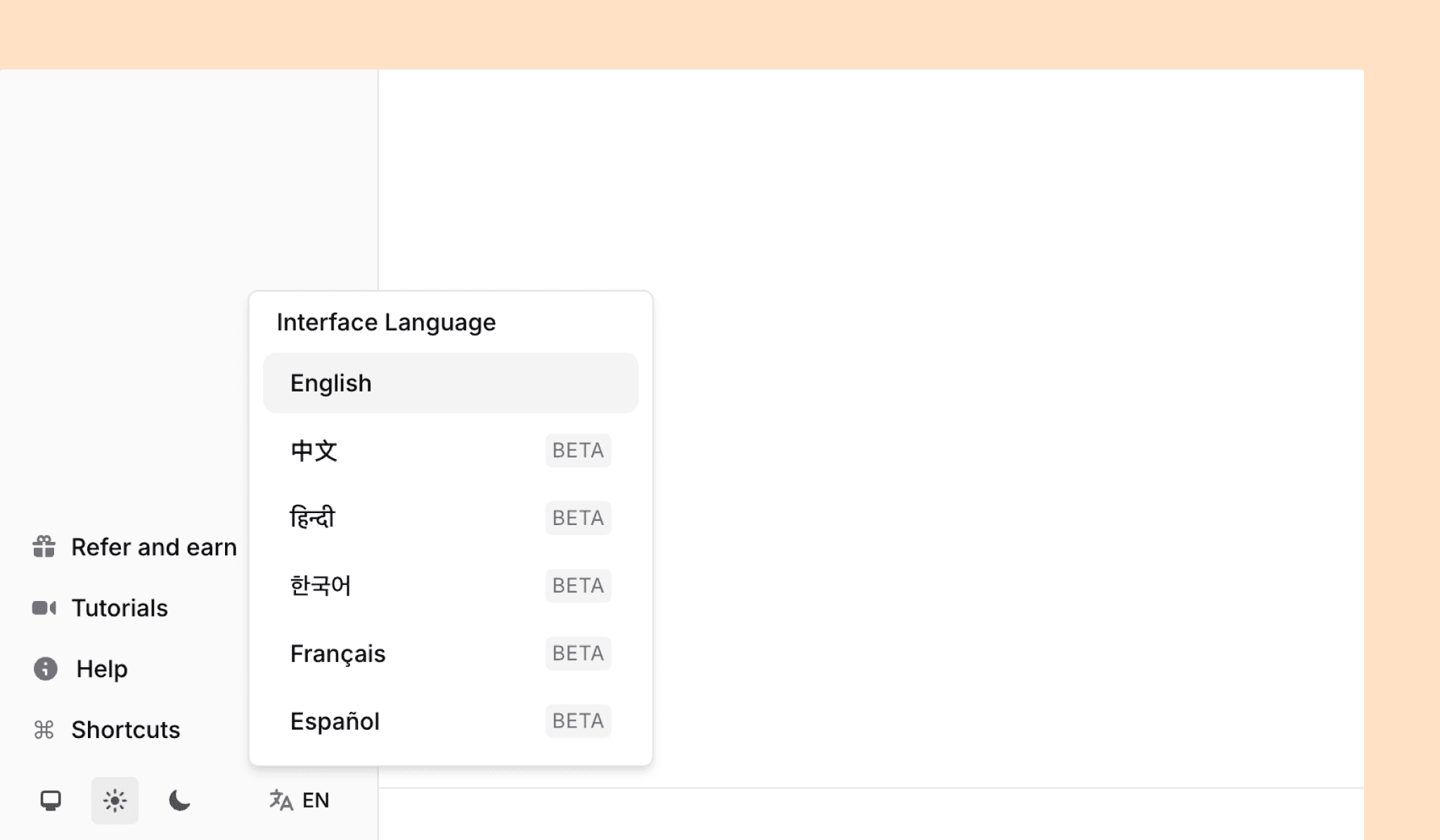
Jenni in Your Language

Marc
·
2025年12月17日

We've launched interface support for Chinese (traditional), Hindi, Korean, French, and Spanish (currently in beta), making it easier to work with Jenni in the language you're most comfortable with.
Added
AI Chat now accepts DOI URLs and will return the source data when prompted
Multilingual app UI support, this is in Beta and currently supports:
Hindi
Korean
Simplified Chinese
Spanish
French
Import from .docx is now accessible from the
+NewmenuAdded a new field of Book title for Chapter work types
Changed
App will inherit system theme (auto) rather than default to light
When importing from docx we will attempt to convert plain text citations to blue Jenni citation tokens in order to create a structured reference section
Free plan usage logic has been simplified and made more generous. Previously Autocompletes and AI Edits were bundled into 200 word limit. The new limits are as follows:
10 Autocompletes
10 AI Chats
5 AI Edits
AI Chat will now continue to stream in the background when switching browser tabs
AI Edit dropdown menu is now navigable with the keyboard, use arrow keys to move between default commands and hit
Returnto runTitle typography style reduced to match Header 1
Button to install Web Importer extension will show and link to your current active browser type
Updated
+Newmenu to a drawer on mobile for improved usabilityPage locator will not be automatically populated and show in in-text citation
Work type selection is now a combo-box with search making it faster to find the correct type
Fixed
It is no longer possible to submit empty AI Chat and Edit messages
In-text citation token can now be deleted via backspace key
Ability to permanently delete a user account
Intra-PDF search now correctly cycles from top to bottom
Alignment of buttons in citation popover card is now consistent
Work type dropdown is now tappable on mobile devices
Work metadata drawer horizontal overflow fixed