Aggiornamento della chat con IA

Marc
·
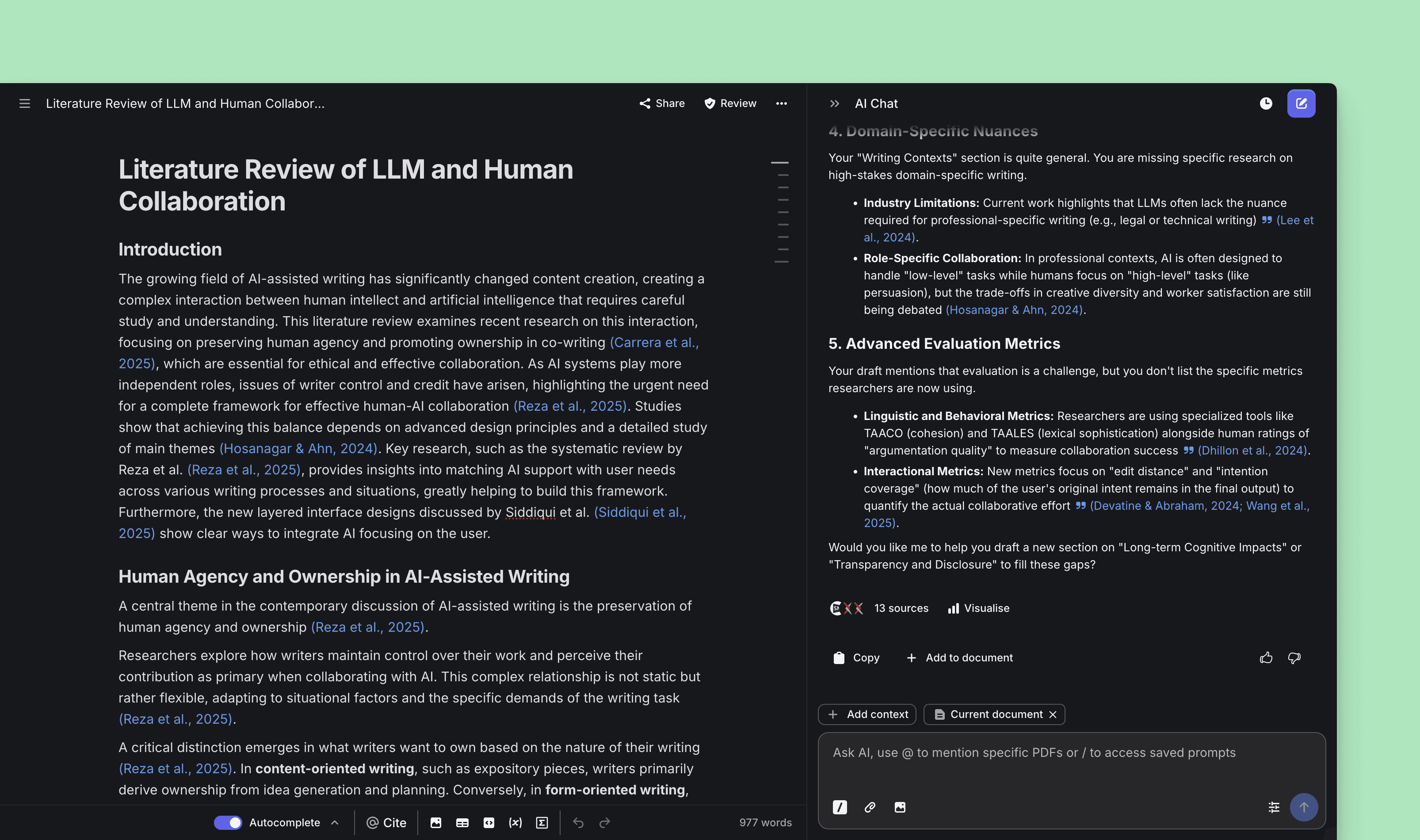
Prestazioni della chat IA migliorate e numerosi miglioramenti dell’esperienza utente
Aggiunto
Possibilità di menzionare un collaboratore del documento nei commenti
Accesso all’importazione DOCX dal pulsante
+nell’intestazione del pannello documentoSe un commento è stato modificato, ora viene mostrato insieme all’utente che ha pubblicato il commento
Supporto linguistico esteso per il filtraggio del tipo di blocco nel menu / (in precedenza era supportato solo l’inglese)
Supporto ai pedici nell’editor
Le intestazioni standard ora mostrano IMRaD
L’elenco dei commenti del documento è ora accessibile su dispositivi mobili
Modificato
Modello di AI Chat aggiornato per migliorare la qualità e l’accuratezza delle risposte, a supporto di un lavoro accademico più efficace e responsabile
Durante l’importazione da DOCX, il parser delle citazioni ora viene eseguito in una barra laterale e mostra un feedback in tempo reale sugli stati di successo e di errore
Impostazioni, esportazione e cronologia versioni sono ora nel menu di overflow
···nella barra superiore del documentoOra utilizziamo timestamp sintetici invece di stringhe complete per l’orario dell’ultima esecuzione della Review
Le pagine di autenticazione ora presentano una struttura più chiara
Layout delle impostazioni del documento aggiornato
Il pulsante Commenti è visibile nella barra superiore quando il documento contiene un commento
L’estensione per Chrome, Firefox ed Edge ora imposta il tema su
AutoanzichéLightIl limite di completamento automatico è ora di 5000 al mese nel piano Plus
Il limite di AI Edit è ora di 500 al mese nel piano Plus
Quando il completamento automatico è in caricamento, ora mostriamo un cursore di inserimento chiaro invece di cambiare il colore del cursore lampeggiante
Rimosso
Possibilità di nascondere i pulsanti di azione del completamento automatico: ora saranno sempre visibili per impostazione predefinita
Il selettore di lingua e tema non è più nella barra laterale sinistra; è comunque accessibile nella scheda Preferenze in Impostazioni
Corretto
Spostamento del layout durante la @menzione di un PDF dalla libreria
Lampeggiamento del tooltip in alto a sinistra dello schermo durante la modifica del tipo di blocco
Incollaggio di immagini nell’editor durante la collaborazione
Corretto il layout della barra superiore su mobile quando è impostata la lingua tedesca
Passando il mouse su una citazione in una schermata desktop stretta, il pannello inferiore non si attiverà più involontariamente