Por
Nathan Auyeung
—
Software de Citação em Nuvem vs Desktop: Qual se Ajusta ao seu Fluxo de Trabalho de Pesquisa?

Nathan Auyeung
Contabilista Sênior na EY
Formado com um Bacharelado em Contabilidade, completou um Diploma de Pós-Graduação em Contabilidade

Gerenciar citações parece fácil até você estar imerso em um projeto com pilhas de PDFs, revisões sem parar e colegas que organizam seus arquivos de maneiras diferentes. O software que você usa acaba moldando como você lê, escreve e mantém sua pesquisa sob controle. Se você ainda está escolhendo sua primeira ferramenta, nossa explicação sobre o que é um gerenciador de citações e por que isso importa pode ajudar.
Ferramentas na nuvem permitem que você se mova com flexibilidade entre dispositivos, enquanto os aplicativos para desktop focam em potência e estabilidade. Eles parecem semelhantes à primeira vista, mas apoiam fluxos de trabalho muito diferentes. Esta análise ajuda você a descobrir qual configuração combina com seu estilo de pesquisa, para que você não esteja lutando contra suas ferramentas toda vez que se sentar para escrever.
<CTA title="Economize tempo gerenciando suas referências" description="Crie citações limpas, notas estruturadas e parágrafos polidos sem esforço usando Jenni" buttonLabel="Experimente Jenni grátis" link="https://app.jenni.ai/register" />
Por que essa escolha importa mais do que as pessoas pensam
A maioria das tarefas acadêmicas depende de quão rápido você consegue navegar pelas fontes. Se suas ferramentas atrasam você toda vez que adiciona um novo artigo, procura uma citação, sincroniza seu laptop ou adiciona referências a um projeto em grupo, todo o seu processo de escrita vai junto. Um bom software de citações torna a pesquisa mais fluida. O errado cria atritos que você percebe todos os dias. Se você também está decidindo se deve usar uma ferramenta ou montar as referências manualmente, nossa comparação entre software de citação e referência manual detalha as vantagens e desvantagens.
Com o ensino remoto, equipes de pesquisa híbridas e maior dependência de materiais digitais, a divisão entre nuvem e desktop é mais importante do que nunca. Estudantes que transitam entre dispositivos precisam de recursos diferentes dos pesquisadores que passam longas horas anotando PDFs offline. E a escrita colaborativa adiciona outra camada por completo.
Escolher bem não tem a ver com popularidade. Tem a ver com alinhar seu fluxo de trabalho à infraestrutura certa.
O que o software de citação baseado em nuvem realmente oferece
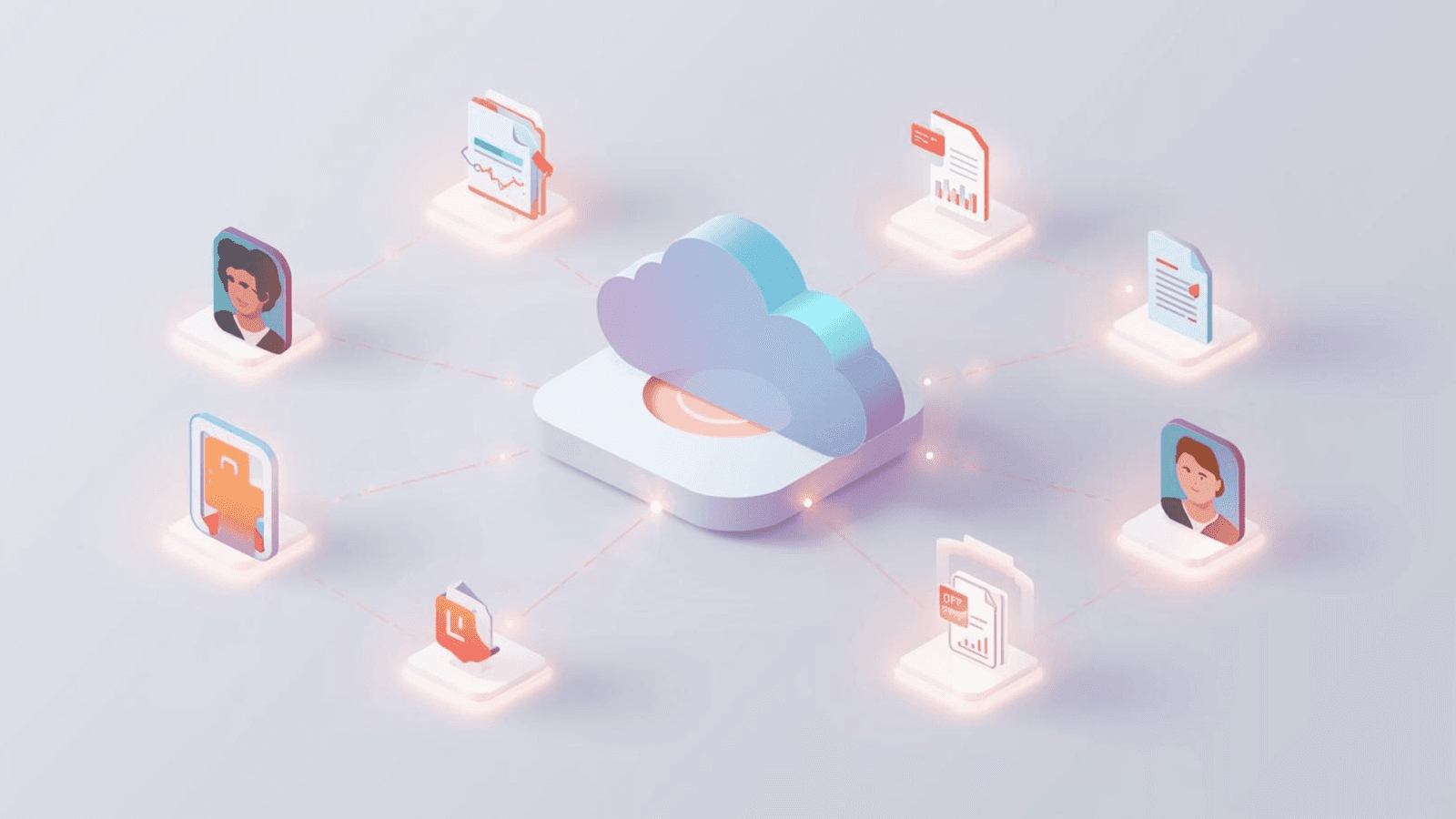
Ferramentas de citação em nuvem são construídas em torno da mobilidade. A biblioteca vive online, em vez de no seu disco rígido. Isso parece simples, mas muda o comportamento de todo o sistema. Em vez de tratar seu dispositivo como a “casa” dos seus dados, a nuvem se torna sua base permanente.
Essa é a base para recursos como sincronização instantânea, colaboração em tempo real e flexibilidade entre dispositivos, o que se alinha a amplamente reconhecidos benefícios dos sistemas baseados em nuvem.
Principais vantagens
Trabalhe em qualquer lugar, a qualquer hora - Ferramentas em nuvem brilham quando você transita entre dispositivos. Faça login no seu laptop, tablet ou computador da universidade e continue de onde parou. Isso é útil para estudantes que trocam de dispositivo ou pesquisadores que viajam entre campi.
Colaboração em tempo real - Bibliotecas compartilhadas são atualizadas instantaneamente. Equipes de pesquisa podem anotar PDFs juntas, atribuir pastas aos colaboradores ou compartilhar listas de referências para trabalhos em conjunto. Esse é um dos motivos pelos quais plataformas como RefWorks e Mendeley Web ganharam espaço em projetos de grupo.
Sincronização automática - Sem backups manuais. Sem confusão de versões. As alterações sincronizam em segundo plano, mantendo seus arquivos alinhados entre as sessões.
Sem instalação - Se sua instituição restringe os computadores ou você usa vários dispositivos, as ferramentas em nuvem evitam complicações de instalação.
As plataformas em nuvem geralmente incluem recursos como:
Pastas compartilháveis
Listas de leitura em grupo
Comentários em PDFs
Anotações compartilhadas
Isso as torna úteis para salas de aula, grupos de pesquisa e escrita colaborativa.
Limitações
Dependência da internet - Se sua conexão estiver fraca, suas referências ficam lentas ou completamente indisponíveis. O modo offline, quando disponível, geralmente é restrito.
Armazenamento gratuito limitado - PDFs ocupam espaço. Muitas ferramentas em nuvem limitam os usuários gratuitos a apenas alguns centenas de MB antes de cobrar assinaturas.
Mais lento para bibliotecas pesadas - Interfaces em nuvem podem travar ao carregar bibliotecas grandes, especialmente com muitos anexos.
Possíveis preocupações com privacidade e dados - Como os dados ficam em servidores que você não controla, fontes sensíveis ou restritas podem exigir tratamento especial, dependendo das diretrizes institucionais.
Quem geralmente prefere ferramentas em nuvem?
Estudantes com vários dispositivos
Membros de projetos em grupo
Pesquisadores trabalhando em locais diferentes
Usuários que querem zero manutenção
Pessoas que querem backups automáticos
<ProTip title="💡 Dica profissional:" description="Crie um backup na nuvem mesmo se usar software para desktop para reduzir o risco de perda de dados" />
O que o software de citação para desktop oferece
O software para desktop é feito para profundidade e potência. Em vez de depender de servidores remotos, tudo é executado localmente no seu dispositivo. Isso importa mais do que as pessoas pensam. Quando seus arquivos e metadados ficam diretamente na sua máquina, o aplicativo pode rodar mais rápido, oferecer ferramentas de busca mais poderosas e suportar bibliotecas maiores sem se preocupar com a velocidade da internet.
Principais vantagens
Funcionalidade offline completa - Essa é a maior diferença. Todas as suas referências, PDFs, notas e anexos ficam acessíveis sem Wi-Fi. Perfeito para:
Pesquisa de campo
Voos
Locais com internet instável
Sessões de estudo em que você quer zero distrações
Recursos mais avançados - Aplicativos para desktop geralmente oferecem controle mais profundo sobre seus dados, como:
Edição personalizada de estilos de citação
Destaque de PDFs + notas adesivas
Organização de metadados por arrastar e soltar
Funções avançadas de busca
Edição em lote
Busca em PDF em texto completo
Isso se alinha a insights estabelecidos sobre diferenças entre ferramentas baseadas em nuvem e instaladas localmente, em que os sistemas para desktop priorizam potência, precisão e estabilidade offline completa.
Desempenho mais rápido - O armazenamento local significa acesso rápido. Bibliotecas grandes funcionam com mais fluidez em comparação com interfaces de usuário baseadas em nuvem.
Mais controle sobre seus dados - Você controla o armazenamento, a estrutura e os backups. Isso importa para pesquisadores que lidam com dados embargados, confidenciais ou proprietários.
Limitações
Sincronização manual (a menos que você adicione serviços em nuvem) - Seu dispositivo se torna a “fonte da verdade”. Sincronizar entre computadores exige:
Serviços de sincronização (Zotero Sync, OneDrive, Dropbox), ou
Exportação e backups manuais
A menos que você o combine com um serviço em nuvem, a sincronização é manual ou depende de plugins. Isso pode levar a:
Conflitos de versão
Entradas duplicadas
Bibliotecas corrompidas
Anexos perdidos
Instalação necessária - Algumas instituições limitam instalações de software. Isso afeta estudantes que usam computadores de laboratório ou dispositivos compartilhados.
Menos colaboração integrada - Ferramentas para desktop não foram projetadas para trabalho compartilhado em tempo real. A colaboração geralmente precisa de complementos em nuvem.
Quem geralmente prefere ferramentas para desktop?
Pesquisadores com bibliotecas enormes
Pessoas que anotam PDFs intensamente
Escritores que viajam ou trabalham offline
Usuários que precisam de personalização total
Grupos de pesquisa que lidam com dados seguros
<ProTip title="🔧 Dica profissional:" description="Se usar software para desktop, agende backups semanais para evitar bibliotecas corrompidas ou citações perdidas" />
Comparação lado a lado: software de citação em nuvem vs desktop
Esta tabela resume as diferenças práticas que os pesquisadores enfrentam diariamente.
Comparação de recursos
Aspecto | Software de citação em nuvem | Software de citação para desktop |
|---|---|---|
Armazenamento de dados | Online/nuvem | Dispositivo local |
Acessibilidade | Qualquer dispositivo com internet | Apenas no dispositivo instalado |
Uso offline | Limitado | Completo |
Sincronização | Automática | Manual ou via nuvem |
Colaboração | Compartilhamento em tempo real | Limitada, a menos que esteja conectada à nuvem |
Limites de armazenamento | Plano gratuito + upgrades pagos | Limitado pelo armazenamento do dispositivo |
Instalação | Não é necessária | Necessária |
Profundidade dos recursos | Básico a moderado | Avançado |
Velocidade | Dependente da internet | Processamento local rápido |
Exemplos | RefWorks, Zotero Web | EndNote Desktop, Zotero Desktop |
O que essas diferenças significam na prática
Escolher o software errado atrasa você. Escolher o certo acelera sua leitura, anotações e escrita.
Veja como as diferenças se manifestam em cenários do dia a dia.
Quando você trabalha em vários dispositivos
A nuvem vence. Você nunca precisa pensar em qual máquina tem a versão mais recente da sua biblioteca.
Se você trabalha principalmente em um único computador
O software para desktop oferece velocidade e ferramentas avançadas sem precisar sincronizar.
Quando você pesquisa em áreas com internet fraca
As ferramentas para desktop são essenciais. Elas oferecem estabilidade total sem depender de servidores externos. A confiabilidade offline se torna a principal prioridade.
Quando você colabora com grandes equipes
As plataformas em nuvem tornam muito fácil compartilhar referências e trabalhar na mesma biblioteca.
Quando sua biblioteca inclui milhares de PDFs
O desempenho no desktop é mais fluido. Bibliotecas pesadas carregam rapidamente e as funções de busca funcionam instantaneamente.
Quando você precisa de estilos de citação personalizados
Os aplicativos para desktop oferecem ambientes de edição completos, permitindo reescrever regras de citação para corresponder aos requisitos de uma revista.
Quando a segurança importa
O desktop mantém tudo local. Instituições que lidam com dados sensíveis frequentemente preferem esse modelo.
<ProTip title="📝 Dica profissional:" description="Use uma configuração híbrida: desktop para trabalhos pesados, sincronização em nuvem para mobilidade e backups" />
Ferramentas baseadas em nuvem: vantagens ampliadas e casos de uso detalhados
Melhor para estudantes e pesquisa em ritmo acelerado
A maioria dos estudantes trabalha em vários locais: dormitórios, bibliotecas, cafés e laboratórios do campus. As ferramentas em nuvem eliminam a necessidade de exportar e reimportar referências toda vez que você troca de dispositivo.
Melhor opção para escrever no Google Docs
As plataformas em nuvem se integram mais facilmente com editores online. Seja para redigir um artigo de pesquisa ou coescrever um artigo de revisão, as ferramentas de citação em nuvem reduzem o atrito.
Colaboração que parece natural
A capacidade de compartilhar pastas ou bibliotecas inteiras ajuda os grupos a:
Dividir tarefas de leitura
Centralizar PDFs
Marcar descobertas importantes
Acompanhar quais fontes cada pessoa contribui
Isso é especialmente poderoso para revisões de literatura e projetos interdisciplinares.
Ferramentas para desktop: vantagens ampliadas e cenários reais de pesquisa
Projetos acadêmicos em grande escala
Se você está escrevendo uma tese, dissertação ou projeto de pesquisa de longo prazo com centenas de citações, os aplicativos para desktop oferecem uma velocidade que você simplesmente não obtém em plataformas em nuvem.
Poder de anotação
As ferramentas para desktop são feitas para leitura aprofundada. Elas permitem destacar, comentar, marcar, etiquetar e pesquisar anotações com muito mais precisão.
Ideal para trabalho rural ou de campo
Pesquisadores que trabalham em áreas remotas precisam de ferramentas que funcionem totalmente offline. O software para desktop mantém tudo local e confiável.
Precisão e personalização
Revistas frequentemente exigem formatos de citação muito específicos. Ferramentas para desktop permitem editar esses formatos diretamente a partir de modelos de estilo, algo que as ferramentas em nuvem normalmente restringem.
Em todos os fluxos de trabalho acadêmicos, as distinções entre software em nuvem e local também aparecem em ambientes de pesquisa profissional, refletidas em estudos sobre o comportamento no gerenciamento digital de referências, que destacam como a estrutura da ferramenta influencia a eficiência da pesquisa e os hábitos do usuário.
<ProTip title="📌 Lembrete:" description="Execute uma detecção de duplicatas mensalmente para manter sua biblioteca de referências limpa e organizada" />
Escolhendo a ferramenta certa: orientações práticas
Veja como decidir rapidamente com base no seu fluxo de trabalho.
Escolha software de citação em nuvem se:
Você troca de dispositivo com frequência
Você trabalha em equipes ou projetos em grupo
Você precisa de colaboração em tempo real
Você não gosta de sincronização manual
Você escreve ou edita em tablets
Sua conexão com a internet é estável
Você prefere configuração e manutenção mínimas
Escolha software de citação para desktop se:
Você trabalha offline ou viaja com frequência
Você gerencia uma grande biblioteca de referências
Você quer recursos completos de anotação e edição
Você prefere controle local sobre seus arquivos
Você lida com pesquisa sensível ou proprietária
Você personaliza estilos de citação
O desempenho importa mais do que a conveniência
<ProTip title="📌 Lembrete:" description="Execute uma detecção de duplicatas mensalmente para manter sua biblioteca de referências limpa e organizada" />
Modelos híbridos: o melhor dos dois mundos
Muitas ferramentas modernas borram a linha entre nuvem e desktop. Zotero e Mendeley oferecem aplicativos para desktop, mas também fornecem sincronização opcional com a nuvem. Isso significa que você pode:
Trabalhar offline
Armazenar PDFs localmente
Sincronizar metadados online
Acessar sua biblioteca de vários dispositivos
Colaborar usando grupos online
Fazer anotações fortes em PDFs
O híbrido é a abordagem mais equilibrada para pesquisadores que querem flexibilidade e potência ao mesmo tempo. A versão para desktop cuida do desempenho e das anotações, enquanto a sincronização em nuvem garante mobilidade e colaboração.
Como implementar seu fluxo de trabalho sem atritos
Independentemente da sua escolha, a configuração importa. Um bom sistema remove o atrito antes mesmo que ele possa desacelerar você. Aqui está um framework simplificado para ajudar você a consolidar um fluxo de trabalho que realmente apoie sua pesquisa em vez de complicá-la.
Passo 1: Defina seu ambiente
Identifique onde você pesquisa mais: em casa, no campus, na biblioteca ou em campo. Seu nível de conectividade determina se as ferramentas em nuvem são práticas. Se sua internet é inconsistente, depender apenas de recursos em nuvem vai te prejudicar.
Passo 2: Estime o tamanho da biblioteca
Coleções maiores funcionam melhor em ferramentas para desktop. Se você espera armazenar centenas de PDFs, anotações e capturas, escolha uma configuração que consiga lidar com processamento local pesado sem lentidão.
Passo 3: Teste a compatibilidade com seu software de escrita
Verifique se sua ferramenta de citação se integra bem com Microsoft Word, Google Docs, LibreOffice ou Overleaf. Um plugin fraco pode atrapalhar seu fluxo de escrita mais rápido do que uma formatação ruim.
Passo 4: Avalie as necessidades de colaboração
Se você trabalha em grupo, as plataformas em nuvem oferecem pastas compartilhadas, atualizações em tempo real e armazenamento centralizado. Pesquisadores solo geralmente tiram mais proveito da velocidade e do controle do desktop.
Passo 5: Planeje sua estratégia de backup
Ferramentas em nuvem fazem backup automaticamente. Fluxos de trabalho no desktop exigem backups programados ou sincronização manual. Configurações híbridas oferecem estabilidade, mobilidade e uma rede de segurança com esforço mínimo.
<ProTip title="🧭 Nota:" description="Antes de se comprometer, teste duas ferramentas por uma semana para ver qual parece mais intuitiva para o seu fluxo de trabalho" />
Configurando o fluxo de trabalho escolhido
Um fluxo de trabalho de citação tranquilo não acontece automaticamente. Você precisa de uma configuração que combine com a realidade de como você pesquisa, escreve e armazena seus materiais. Cada tipo de software se beneficia de uma abordagem própria, então ajustar sua rotina cedo vai economizar horas depois.
Para usuários de nuvem
Ative backups automáticos para que sua biblioteca permaneça protegida sem esforço manual.
Crie pastas compartilhadas para projetos em grupo para manter todos alinhados e evitar arquivos espalhados.
Monitore seus limites de armazenamento, porque os PDFs se acumulam rapidamente, especialmente em turmas grandes ou revisões de literatura.
Teste sempre as integrações com Google Docs ou Word para garantir que as citações sejam inseridas corretamente e que a formatação permaneça estável durante a edição colaborativa.
Para usuários de desktop
Configure um cronograma de backup semanal para que nada seja perdido se o seu dispositivo travar.
Use uma estrutura de pastas que reflita seus tópicos de pesquisa para manter os anexos organizados e fáceis de localizar.
Se você ativar a sincronização em nuvem, trate-a como um acessório e não como o núcleo do seu fluxo de trabalho, e verifique regularmente se há duplicatas ou conflitos.
Mantenha os arquivos de instalação, plugins e atualizações de estilos de citação atualizados para preservar compatibilidade e desempenho.
Para usuários híbridos
Armazene PDFs localmente para velocidade, mas sincronize os metadados online para mobilidade.
Mantenha sistemas de pastas claros para evitar confusão ao trocar de dispositivo.
Ao fazer edições pesadas, permaneça em um único dispositivo para minimizar conflitos de sincronização e manter sua biblioteca limpa.
Escolhendo o software de citação certo para suas necessidades de pesquisa
Softwares de citação em nuvem e para desktop oferecem pontos fortes diferentes. Ferramentas em nuvem entregam acessibilidade, sincronização e colaboração. Plataformas para desktop oferecem potência, estabilidade e controle offline total. Ambas podem apoiar bem a escrita acadêmica, mas a escolha certa depende do seu ambiente de pesquisa típico e do seu estilo pessoal de trabalho.
<CTA title="Escreva mais rápido com ferramentas de pesquisa mais inteligentes" description="Use Jenni para transformar suas notas e citações em parágrafos claros com menos esforço" buttonLabel="Experimente Jenni grátis" link="https://app.jenni.ai/register" />
Uma configuração híbrida que use um aplicativo para desktop com sincronização opcional em nuvem costuma ser a opção mais flexível para estudantes e pesquisadores que querem mobilidade e desempenho ao mesmo tempo.